
 Flixly est maintenant dans ChatGPT
Créer avec Flixly dans ChatGPT
Créez des images et des vidéos courtes dans ChatGPT avec Flixly. Connectez Codex via MCP avec le même compte et les mêmes crédits Flixly.
Flixly transforme vos descriptions en images et vidéos courtes avec une sélection de modèles. ChatGPT utilise la fiche de l’app ; Codex utilise la connexion MCP distante. Flixly est un service indépendant, pas un produit OpenAI.
Créez votre première vidéoOuvrez Flixly dans ChatGPT
Flixly est une app ChatGPT validée : rien à coller, aucun mode développeur à activer. Ouvrez la fiche, ou cherchez Flixly dans Settings → Apps & Connectors.
Connectez et approuvez
Choisissez Connect, identifiez-vous sur Flixly et approuvez l'accès aux images et aux vidéos courtes demandé. Aucune URL de connecteur, aucune clé d'API.
Le mode hébergé vous identifie avec votre compte : aucune clé API à copier ni à renouveler. Déconnectez-vous quand vous le souhaitez depuis les clés API.
Votre première génération vidéo depuis ChatGPT
Commencez par un plan de produit simple. Ce guide utilise uniquement du texte et une courte vidéo, pour vous permettre de vérifier le brief et le coût estimé avant de décider de lancer la génération.
Connectez l’app Flixly
Ouvrez la fiche de l’app ChatGPT ci-dessus, connectez-vous à votre compte Flixly et autorisez l’accès. Si la fiche n’est pas disponible, vérifiez les paramètres de votre compte ou de votre espace de travail.
Collez le brief ci-dessous
Demandez d’abord à ChatGPT de vérifier les modèles actuellement disponibles, les réglages vidéo pris en charge et le coût estimé en crédits. Consulter la liste des modèles ne génère pas de vidéo et ne dépense pas de crédits.
Vérifiez, puis approuvez une génération
Vérifiez le modèle, la durée, le format d’image et l’estimation en crédits. La génération utilise vos crédits Flixly existants et n’est pas comprise dans un abonnement ChatGPT. Flixly calcule le coût final propre à chaque demande ; une estimation du catalogue n’est pas un devis à prix fixe.
Attendez le résultat de cette génération et téléchargez-le
Après votre approbation, laissez ChatGPT suivre cette génération jusqu’à ce que le résultat soit prêt. Si elle est toujours en cours, demandez son état plutôt que d’envoyer le prompt à nouveau. Téléchargez le fichier terminé que vous souhaitez conserver ; les résultats générés sont hébergés pendant 30 jours.
Copiez ce brief pour votre première vidéo
Utilise Flixly pour planifier une vidéo verticale de 5 secondes montrant un gobelet en acier brossé qui tourne lentement sur un socle corail, avec un éclairage de studio doux et sans texte. Vérifie d’abord les modèles texte-vers-vidéo disponibles et les réglages pris en charge. Présente-moi le modèle, la durée, le format d’image et le coût estimé en crédits Flixly, puis attends mon approbation avant de créer la vidéo.
L’app ChatGPT donne accès à six modèles examinés pour la génération d’images et de vidéos à partir de texte. Leur disponibilité peut changer ; demandez à ChatGPT de vérifier la liste actuelle. La modification de médias importés, la génération audio et le catalogue complet du site ne font pas partie de ce processus dans l’app.
Si le premier résultat doit être retravaillé
Modifiez un seul élément à la fois, comme le mouvement de caméra ou l’éclairage. Demandez une nouvelle estimation et approuvez la génération suivante séparément. Si vos crédits sont insuffisants, ouvrez Flixly pour consulter votre solde ; l’app ne peut pas acheter de crédits à votre place.
Images
Nano Banana 2, Ideogram V4 et Z-Image à partir de descriptions en texte
Vidéos courtes
Kling 3.0 Turbo, Hailuo 2.3 Standard et Runway Gen-3 Turbo à partir de descriptions en texte
Ce à quoi une connexion hébergée a accès
Connexion sécurisée
Les connexions hébergées utilisent OAuth de Flixly. Vous vous connectez sur Flixly et vous approuvez l'accès ; vous ne collez jamais votre mot de passe ni votre clé API dans le client.
Accès limité au compte
L'app connectée peut consulter le détail des modèles sélectionnés et leurs coûts estimés, lire votre solde de crédits disponible, envoyer des tâches d'image ou de vidéo courte et en suivre les résultats. Elle ne peut lire ni mots de passe, ni informations de paiement, ni valeurs de clés API.
Vos crédits
Les générations utilisent vos crédits Flixly existants, au tarif habituel calculé par le serveur. La connexion ne peut ni modifier le montant facturé ni acheter des crédits à votre place.
Historique et conservation
Les tâches MCP apparaissent dans votre historique de générations Flixly. Les fichiers générés sont hébergés pendant 30 jours : téléchargez ce que vous voulez conserver. Les métadonnées de l'historique peuvent subsister après l'expiration du fichier.
Pour vous déconnecter, retirez Flixly des réglages d'apps, de plugins ou de connecteurs du client, puis révoquez son identifiant dédié dans le tableau de bord Flixly → Settings → les clés API. La révocation coupe immédiatement tout accès MCP ultérieur.
Comment fonctionne MCP ?
MCP est un standard ouvert qui permet à un assistant IA d'appeler des outils extérieurs. Connectez Flixly une fois et ChatGPT peut parcourir la sélection v1 image et vidéo de Flixly en pleine conversation, envoyer une tâche et la suivre jusqu'à ce que le fichier terminé apparaisse dans votre chat.
Résultat
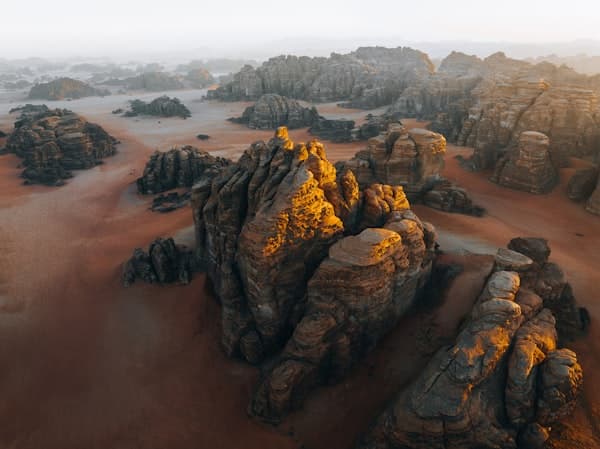
Court clip produit
Généré avec vos crédits Flixly existants et enregistré dans votre historique. Le coût estimé est calculé par le serveur avant la génération.
Créez avec les skills Flixly dans ChatGPT
Copiez une consigne, collez-la dans ChatGPT : il choisira les modèles et enchaînera les étapes pour vous.
Crée un clip produit vertical de 5 secondes montrant un gobelet en acier brossé qui tourne sur un socle corail.
Produit en mouvement
vidéo courte 9:16

Crée une image lifestyle carrée d'un mug de voyage en céramique sur un plan de travail ensoleillé, sans texte.
Image lifestyle
image 1:1
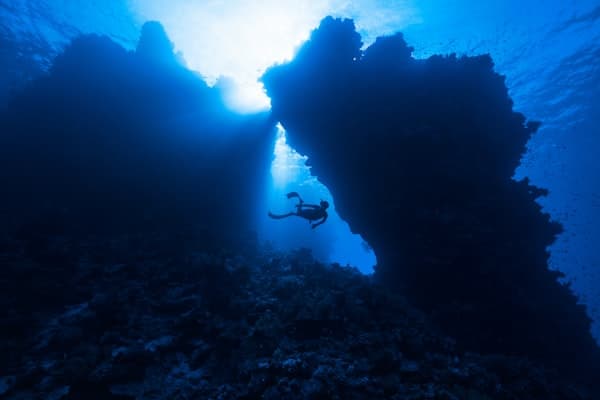
Fais un plan cinématographique de 5 secondes d'une voiture de sport traversant un pont détrempé au crépuscule.
Cinématographique
vidéo 16:9

Conçois la couverture d'un roman policier lent situé dans le Marseille des années 1970.
Couverture de livre
image 2:3
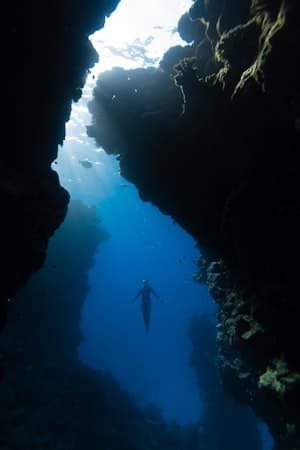
Crée une affiche carrée pour un torréfacteur indépendant, avec des textures de papier chaudes et sans aucun mot.
Affiche de campagne
image 1:1
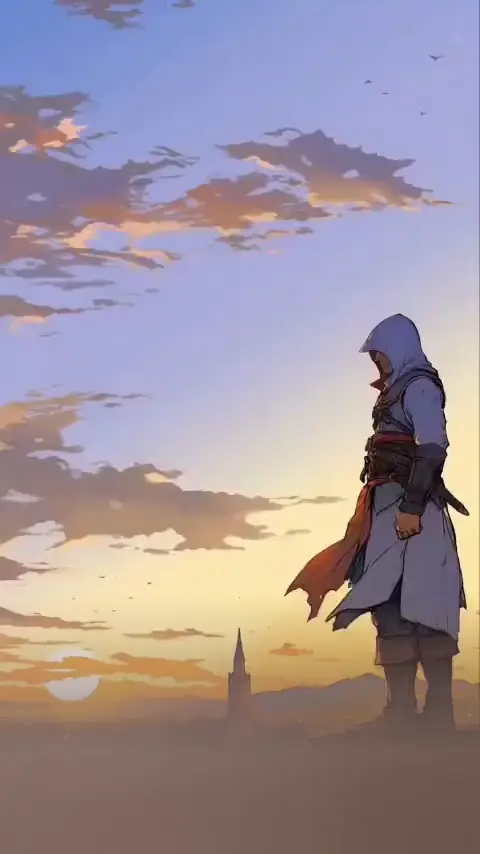
Crée une transition abstraite de 5 secondes, de particules ambrées vers un plateau produit blanc et épuré.
Transition abstraite
vidéo de 5 s

Génère un jeu de six icônes d'application assorties dans un style dégradé doux, une par fonctionnalité.
Jeu d'icônes
6 images

Crée une image éditoriale en 4:5 d'une enceinte compacte sur un socle orange translucide, sans texte.
Produit éditorial
image 4:5
Des modèles créatifs prêts pour MCP, dans ChatGPT
La connexion expose cette sélection validée de modèles texte-vers-image et texte-vers-vidéo. Demandez-en un par son nom, ou laissez votre assistant choisir parmi ces 6 modèles.
Vidéo courte à partir de texte
Image à partir de texte
Vérifiez la disponibilité actuelle avec list_models
Flixly, ChatGPT et Codex : vos questions
Comment ajouter le plugin Flixly à ChatGPT ?
Ouvrez la fiche de Flixly dans ChatGPT, connectez votre compte Flixly et autorisez l’accès. La disponibilité peut dépendre du compte ou des paramètres de votre espace de travail. Utilisez la fiche plutôt que les anciennes instructions de plugins.
Puis-je utiliser Flixly dans OpenAI Codex ?
Oui, via le serveur MCP distant de Flixly. Ajoutez le serveur avec les commandes Codex ci-dessus, puis connectez-vous par OAuth. Cette configuration est distincte de l’app ChatGPT et n’installe pas automatiquement un plugin du catalogue Codex.
Les générations sont-elles incluses dans mon abonnement ChatGPT ?
Non. Les images et vidéos courtes utilisent vos crédits Flixly. Demandez une estimation et approuvez le coût avant de lancer la génération. La sélection MCP est plus restreinte que le catalogue complet du site Flixly.
Commencez à créer depuis votre chat
Connectez l'app Flixly dans ChatGPT, ou collez l'URL du connecteur dans n'importe quel autre client. Identifiez-vous avec votre compte Flixly et décrivez l'image ou la courte vidéo dont vous avez besoin.