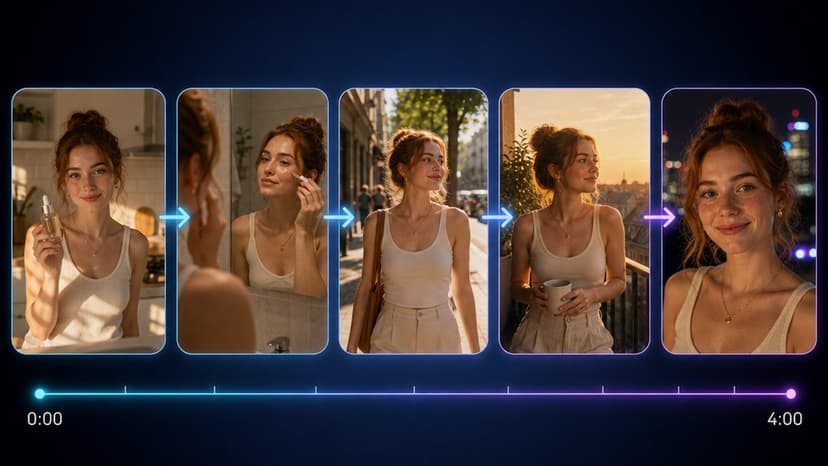
AI Chat Personalization Tutorial Guide
Follow this exact workflow to clone voices, generate speech, and sync video replies inside Flixly. Eight concrete steps and a settings table included.
TL;DR
Clone a 30-second reference, generate speech with Gemini 3.1 Flash TTS, then lip-sync the audio to a headshot. Reuse the same clone ID across the conversation to maintain consistent character identity. The app quotes the cost of a full 60-second reply before you generate.
The real question behind AI chat personalization is not which prompt to tweak first. It is how to make every voice and visual match one consistent character across sessions.
Flixly lets you do that with voice cloning and text-to-speech models that run on the same credit system as image and video tools.
Start with a reference voice sample
Record 30 seconds of clean speech from the target speaker. Upload it directly to the voice cloning page. The system returns a cloned model after 45 seconds on average.
Use the cloned model inside Text to Speech with Gemini 3.1 Flash TTS. Type the exact lines your chat will speak. Export at 24 kHz mono for lowest latency in chat widgets.
Add lip sync for video replies
When your chat needs to answer with video, send the generated audio to Lip Sync Video. Choose a 5-second headshot clip as the base. The tool outputs a 1080p 30 fps file with mouth movement timed to phonemes.
Keep music and captions consistent
Background tracks from Music Generation run at 120 BPM for neutral tone. Add Auto Captions at 0.8 seconds per line to match the cloned voice speed.
Tradeoffs to expect
Cloned voices drop 8-12% in naturalness on the first generation when the reference has background noise. Rerun with a cleaner sample to recover quality. Video lip sync adds a separate charge per 10-second clip, quoted before it runs.
Step-by-step setup
- Sign up at /auth/register and add credits to your balance.
- Open the voice cloning tool and upload a 30-second WAV file.
- Name the clone "SupportAgent-01" and save the model ID.
- Switch to text-to-speech, select Gemini 3.1 Flash TTS, paste the clone ID, and generate the first line.
- Download the MP3 and test latency in your chat widget.
- For video replies, import the audio into lip sync, pick a reference face, and render at 1080p.
- Generate a matching music bed at 120 BPM and layer it 12 dB below the voice.
- Apply auto captions, export the final MP4, and embed the link in the chat response.
Settings reference
| Element | Recommended value | Credit cost | Output size | Notes |
|---|---|---|---|---|
| Voice sample | 30 s clean WAV | quoted in-app | Model file | Rerun if SNR < 20 dB |
| TTS length | 120 words | quoted in-app | MP3 24 kHz | Use Gemini 3.1 Flash TTS |
| Lip sync clip | 5 s headshot | quoted in-app | MP4 1080p 30 fps | Sync offset under 40 ms |
| Music bed | 120 BPM | quoted in-app | MP3 stereo | Keep under voice by 12 dB |
The one decision rule worth remembering is to lock the clone ID and reuse it for every new line in the same conversation thread. This single choice keeps character identity stable without extra prompt engineering.
Frequently Asked Questions
What reference length gives the best clone quality?▾
Thirty seconds of studio-grade speech at 48 kHz works best. Shorter clips lose timbre on vowels.
How many credits does a full 60-second personalized reply use?▾
The TTS line, the lip-sync render, and the music bed are each priced by model and settings, and the app quotes every step before it runs.
Can I change the clone voice mid-chat?▾
Yes. Save multiple models and switch the model ID parameter in the API call before each generation.
Does background music affect lip-sync timing?▾
No. Music sits on a separate track and does not shift phoneme alignment.
What file format works best for embedding in chat widgets?▾
Export TTS as 24 kHz mono MP3 and lip-sync video as 1080p H.264 MP4 with AAC audio.