
Idea to Video: Turn a Few Lines of Text into a Premium Motion Film
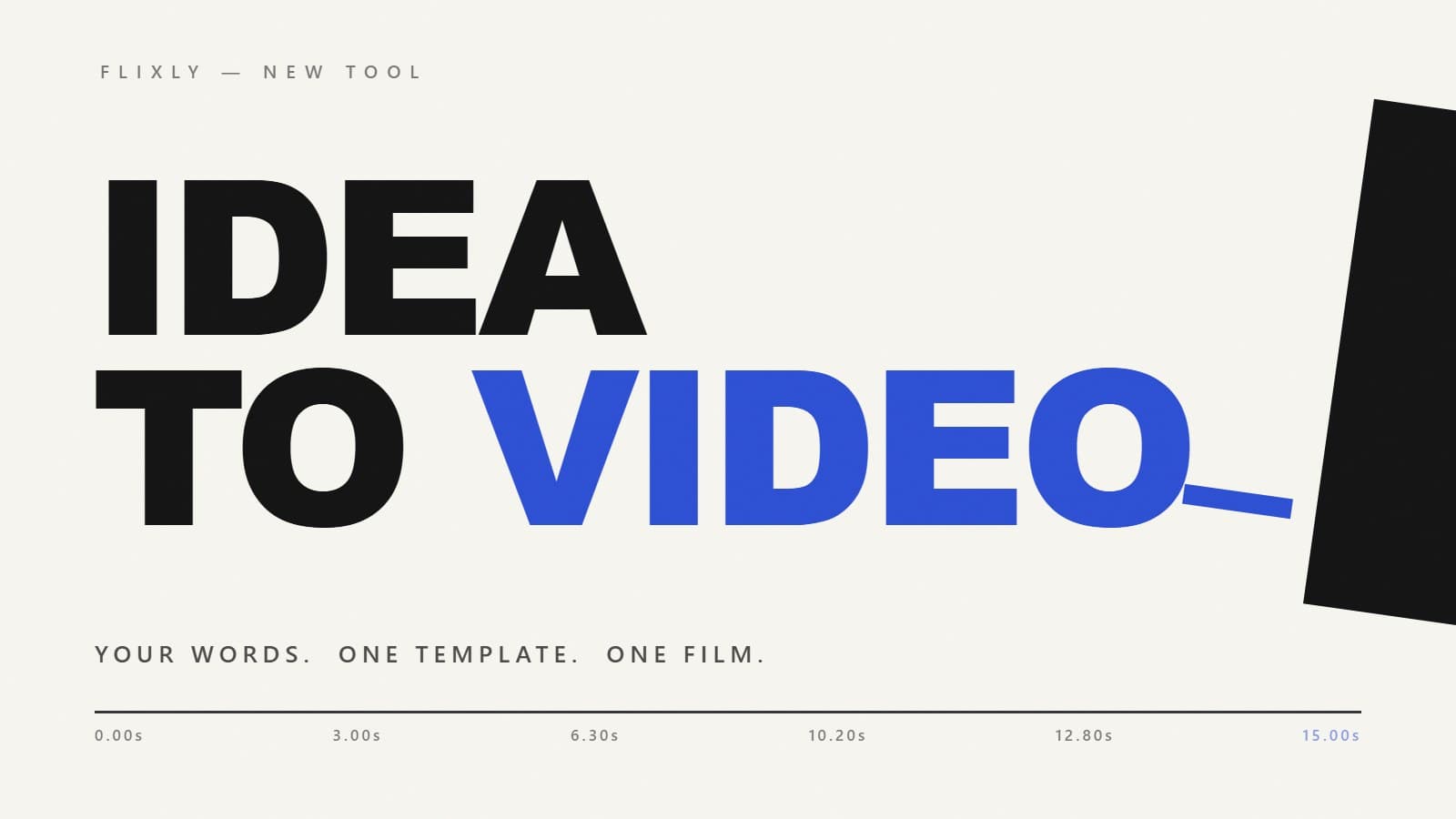
Motion design used to mean days in After Effects or a studio invoice. Flixly's new Idea to Video tool turns a few lines of text into a finished motion film — kinetic typography, title sequences, or fully illustrated motif films — with the timeline, transitions, camera and sound design all directed for you.
TL;DR
Idea to Video (flixly.ai/dashboard/idea-to-video) is a script-to-video tool: type your message (one phrase per line), pick one of 16 templates — 7 typography films and 9 illustrated motif films — and Flixly directs the entire video for you: per-second timeline, transitions, camera behavior and synchronized sound design. It renders on today's strongest motion models (MiniMax H3 Max by default, with Google Veo 3.1 and ByteDance Seedance 2.5/2.0 as alternatives), shows the exact credit price before you generate, and your words appear on screen exactly as you typed them.
Every brand needs motion: a launch teaser, a promo that punches, a title card that feels expensive. And motion design is the one asset that never got cheap — you either learn After Effects, hire a studio, or settle for a template site that looks like a template site.
AI video models changed the raw capability. The newest generation — MiniMax's H3 Max above all — can render typography that stays spelled correctly while the camera flies through the letterforms, and follow a per-second timeline the way an editor follows a storyboard. What they can't do is write that timeline for you. The films you've seen going viral run on prompts that read like director's treatments: hundreds of lines of timing, transition logic, camera grammar and sound cues.
Idea to Video packages that director's layer into one tool. You bring the words. It brings the film.
What is Idea to Video?
Idea to Video is a script-to-video generator built around prefilled templates. You type your message — one phrase per line — pick a template and a look, and Flixly compiles a complete motion-design direction behind the scenes: an exact timeline scaled to your duration, transitions that emerge from what's already on screen, one camera behavior per beat, and a synced sound design. The video renders through the same credit pipeline as every other Flixly tool and lands in your History.
Two families of templates ship at launch: typography films, where your words are the entire subject, and motif films, fully illustrated cinematic sequences built around objects from your world.
The typography templates
Seven templates treat type as the star. Your phrases appear exactly as written — the direction forbids invented glyphs and prioritizes correct spelling over animation complexity.
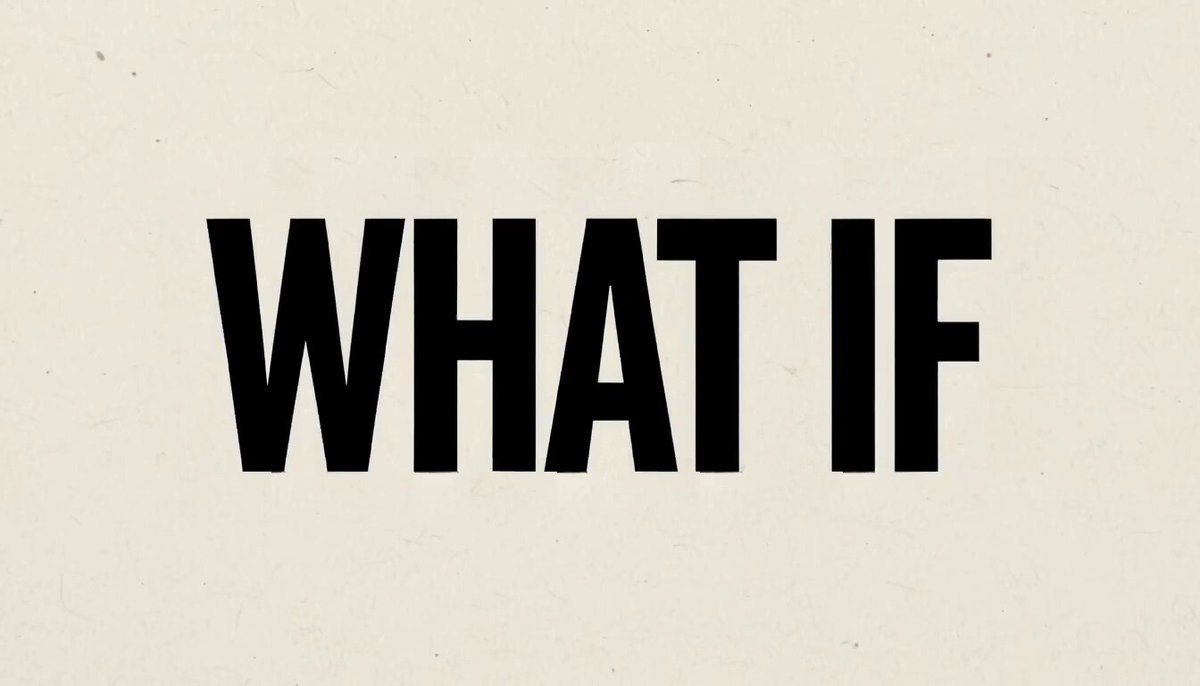
Kinetic Typography Loop is the signature. Each phrase hands off to the next through the letterforms themselves — a stroke slides aside, the camera pushes through the counter of an A, a cropped word becomes the horizon — and the final frame matches the first for a seamless loop. Swiss editorial type on paper grain, with your brand carrying the single accent color.
Title Tile is its calmer sibling: every phrase lives on a rigid typeset layer, and one container does all the work — a tile edge thickens into a slab, the slab opens a crop window, the window narrows into a baseline rail, the rail draws the final frame around your closing line.
The other five — Wordmark Sting (your brand name assembles from its own strokes), Drop Announcement (streetwear hype on the beat), Editorial Statement (slow serif pull-quote), Promo Punch (oversized numerals that hit) and Cinematic Title (a title resolving out of haze) — cover launches, sales and openers, each with its own curated palettes.
The motif films: your world, one continuous shot
The motif templates are where the new motion models show off. Each one is an illustrated cinematic sequence driven by a single motion spine — one line, circle or stroke that transforms continuously through every scene. You list a few objects from your world (your product, your places, your icons), and the film flows through them without a single cut from nowhere. Add your brand and it lands as the only text in the film, in the final second.
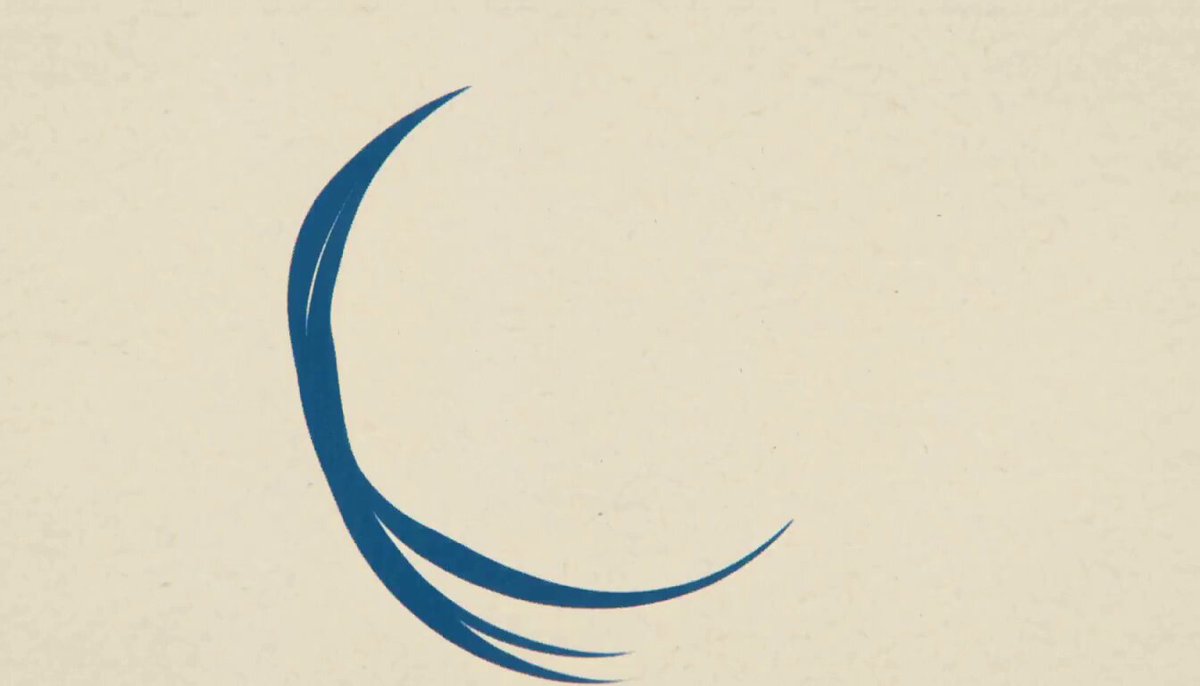
Smoke & Vinyl draws a jazz-noir record-sleeve world with one smoke line that keeps becoming circles — a groove, a brass bell, rising steam.

Painted Journey carries a hand-painted watercolor world on one red reflection, moving from ordinary places into somewhere stranger.
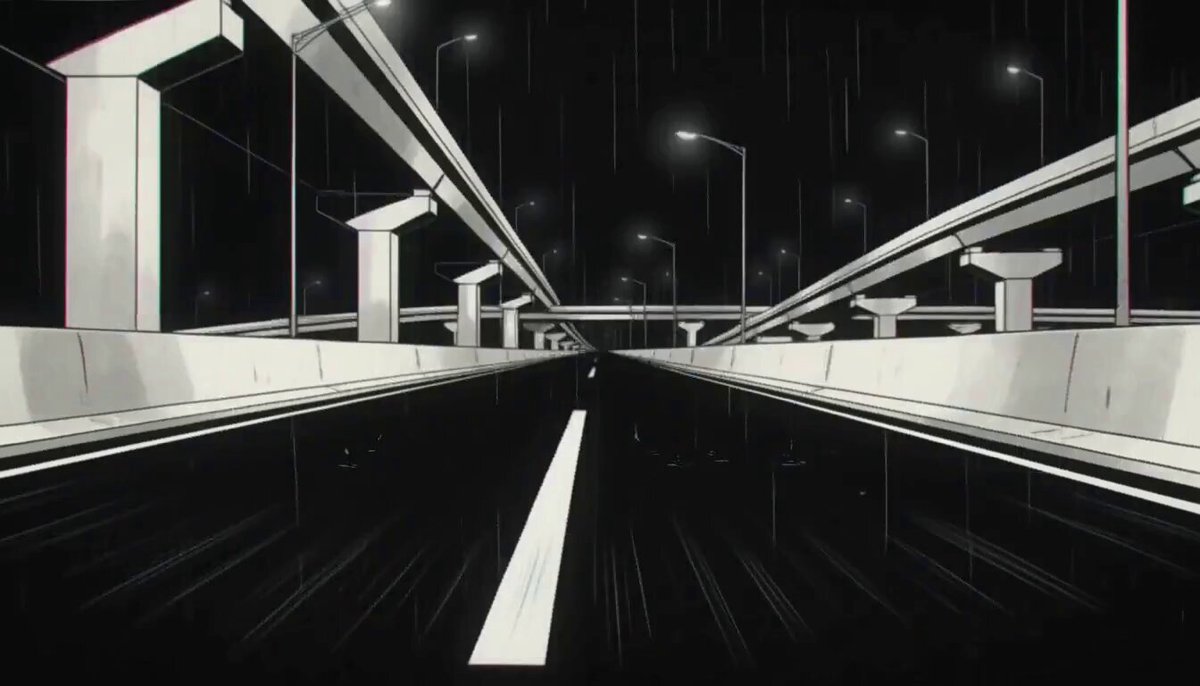
Neon Circle is an inked night city bending around one red circle — traffic light, tail light, wheel, rim of light.
Ink Stroke is pure monochrome sumi-e: everything painted, cut or revealed by one diagonal brushstroke.
The rest of the set — Cable & Signal (brutalist 90s-cel geometry on one cable line), Techno-Noir (a rainy cyan signal through wet architecture), Forest & Iron (one branching stroke between forest and forge), Groove Road (woodblock prints on a circular groove) and Storybook Wind (gouache storybook machinery turned by a spiral of wind) — give you nine distinct illustrated languages, each with an example still on its card so you can see the look before you spend a credit.
Which AI models power it?
Idea to Video is multi-engine, and the engine list is curated to models that can actually hold text and follow a timeline:
- MiniMax H3 Max — the default. Benchmarked #1 for prompt understanding among current video models, it renders its own synchronized soundtrack and handles 5–15 second films in any aspect ratio, including square 1:1.
- Google Veo 3.1 and Veo 3.1 Fast — the sharpest 1080p typography, with a native audio toggle, at 4–8 seconds.
- ByteDance Seedance 2.5 — up to 30 seconds in a single shot, with audio.
- Seedance 2.0, 2.0 Fast and 2.0 Mini — flexible 4–15 second renders down to the cheapest silent tier.
Every engine shows its exact credit price on the page before you generate — the number you see is the number you're charged, guaranteed by Flixly's signed-quote pricing.
How to make a video from your idea in three steps
- Write your message. One phrase per line for typography templates ("YOU CAN / MAKE THIS / ALSO EASY"), or one object per line for motif films ("a curl of espresso steam / a spinning vinyl record / an empty chair"). Up to six lines.
- Pick a template and a look. Typography templates offer curated palettes; motif films own their color. Set duration, aspect ratio and sound, and add your brand for the accent or the final lockup.
- Generate. The film renders in one to three minutes, plays on the page, and is yours to download and use commercially.
Tips for better films
- Three to five short phrases beat six long ones. Every phrase gets a slice of the timeline; fewer phrases means longer, more confident holds.
- Put your brand in the brand field, not in every line — it earns the accent color (or the final lockup in motif films) instead of crowding the film.
- Match the aspect to the destination: 9:16 for Reels and Shorts, 1:1 for feed posts, 16:9 for YouTube and landing pages. H3 Max and the Seedance engines support all of them.
- Regenerating is part of the craft. Text-in-video is still generative AI; even the best models occasionally miss a glyph. One-click re-render, priced upfront.
Where it fits in Flixly
Idea to Video sits next to the Video Generator (free-form prompting on 30+ models), Motion Poster (animate a designed still) and the Long Video Generator (chained multi-shot films up to 4 minutes). Use Idea to Video when the message is the video — and you want it directed for you.
Try it now at flixly.ai/dashboard/idea-to-video — pay-per-use credits, free credits on signup, no subscription.
Frequently Asked Questions
What is an idea to video AI generator?▾
An idea-to-video generator turns a short text message into a finished video without prompting skill. On Flixly, you type your phrases one per line, pick one of 16 templates, and the tool directs the whole film — timeline, transitions, camera behavior and sound design — then renders it on a top video model such as MiniMax H3 Max, Google Veo 3.1 or ByteDance Seedance 2.5.
How do I turn a script into a video with AI?▾
Open flixly.ai/dashboard/idea-to-video, paste your script with one phrase per line (up to six lines), choose a template — kinetic typography for message-driven films, or a motif film for an illustrated brand sequence — set duration and aspect ratio, and hit Generate. The film renders in one to three minutes and appears in your History.
Which AI model is best for text animation and kinetic typography?▾
MiniMax H3 Max is currently the strongest: it benchmarks first for prompt understanding, keeps typography correctly spelled through complex transitions, follows per-second timelines, and renders a synchronized soundtrack natively. Google Veo 3.1 is the alternative for maximum 1080p sharpness; ByteDance Seedance 2.5 for clips up to 30 seconds. Idea to Video lets you switch between all of them.
Can AI make a seamlessly looping typography video?▾
Yes. The Kinetic Typography Loop template directs the final phrase to fly back through its own letterforms and resolve into the exact opening frame, so the last frame matches the first and the video loops seamlessly — ideal for website heroes, digital signage and pinned social posts.
How much does Idea to Video cost?▾
You pay per render with Flixly credits — no subscription. The price depends on the engine, duration and resolution you pick, and the exact credit cost is quoted on the page before you generate; the shown price is the charged price. New accounts start with free credits.
Can I use the generated videos commercially?▾
Yes. Videos made with Idea to Video are yours to use commercially — ads, product launches, landing pages, social content and video intros — with no extra licensing.