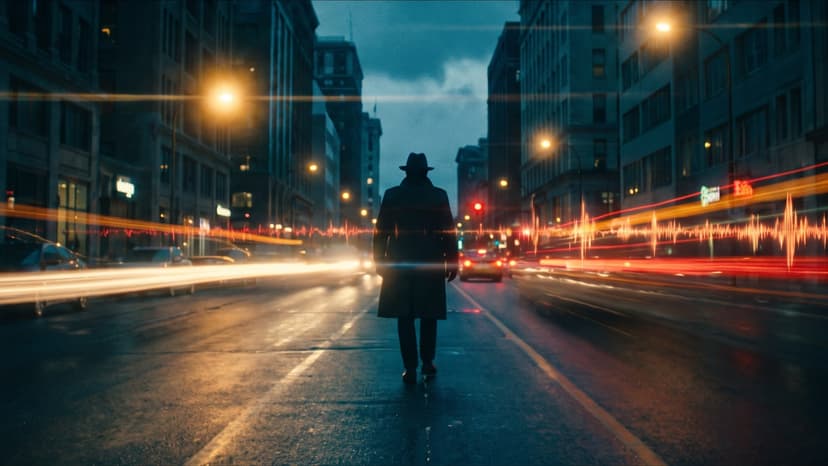
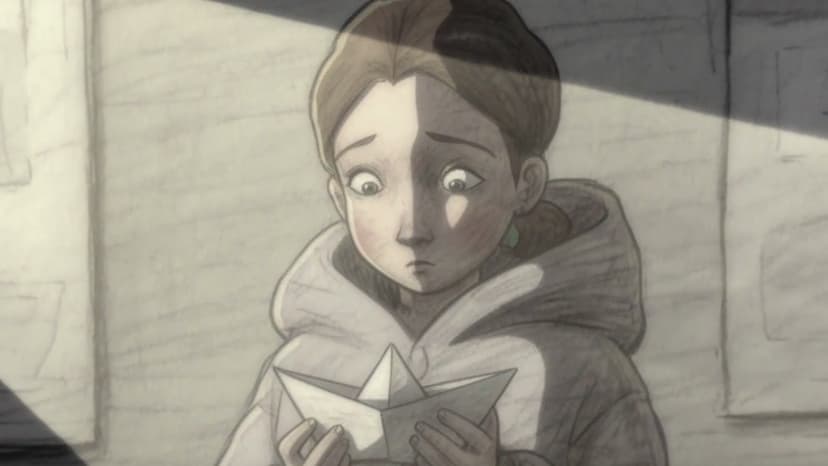
Grok Imagine Video 1.5 on Flixly: Arena's #1 Image-to-Video Model
xAI's new Grok Imagine Video 1.5 just hit the top of the Arena blind-test leaderboard for image-to-video, beating Seedance 2. It's now live on Flixly — here's what it does and how to use it.
TL;DR
Grok Imagine Video 1.5 is xAI's new image-to-video model. It's currently #1 on the Arena blind-test leaderboard for I2V, ahead of Seedance 2, and supports synchronized audio, durations from 1–15s, and 480p/720p output. It's live in Flixly today.
TL;DR
xAI's Grok Imagine Video 1.5 is now live on Flixly. It's a new image-to-video model that currently ranks #1 on the Arena blind-test leaderboard for image-to-video, ahead of Seedance 2 — making it one of the strongest I2V models available right now.
If you generate short-form video from reference images — product mockups in motion, anime cuts, music-video shots, social ads, animated posters — this is the model to try this week.
What Grok Imagine Video 1.5 is good at
xAI built Grok Imagine Video 1.5 specifically for image-to-video. You hand it a reference image and a prompt, and it animates the image into a short clip while keeping the subject, style, and composition consistent. Three things stand out compared with prior-generation models:
- Visual consistency on the reference image. Characters, products, and scenes stay recognizable across the whole clip — no "morphing face" or "drifting product" artifacts that plagued earlier I2V models.
- Synchronized audio. When the scene calls for it (footsteps, ocean waves, ambient room tone, music-video beats), the model generates audio in sync with what's on screen. You don't have to run a separate TTS or foley pass.
- Prompt adherence. Direction in the prompt — camera moves, lighting changes, character actions — actually shows up in the output more reliably than with most open I2V models.
The Arena leaderboard is a blind side-by-side preference test: real users pick the better clip between two unlabeled generations. Grok Imagine Video 1.5 winning that for image-to-video over Seedance 2 isn't a vendor benchmark — it's a user-preference signal at scale.
Specs at a glance
| Capability | Grok Imagine Video 1.5 |
|---|---|
| Mode | Image-to-video (reference image required) |
| Duration | 1–15 seconds (integer steps; default 8s) |
| Resolution | 480p or 720p |
| Aspect ratios | 16:9, 9:16, 1:1, 4:3, 3:4, 3:2, 2:3 |
| Audio | Generated in sync with the scene |
| Prompt length | Up to 5,000 characters |
| Arena rank (image-to-video) | #1 (above Seedance 2) |
How to use it on Flixly
- Open Image to Video in the Flixly dashboard.
- Pick Grok Imagine Video 1.5 from the model selector.
- Upload your reference image (JPG/PNG/WebP, up to 20 MB).
- Write a short, specific prompt — what's happening, camera move, mood. Example: "slow push-in on the subject, golden hour light, ocean ambience in the background, 8 seconds".
- Pick aspect ratio (16:9 for landscape, 9:16 for shorts/reels, 1:1 for square ad units), resolution (720p for hero content, 480p for fast iteration), and duration.
- Generate.
If the first clip's good but you want a tighter beat — drop the duration to 5s; if it's good but you want more room — push it to 12 or 15s and let the audio breathe.
When to pick it over Seedance 2 or Veo 3.1
- Reference-driven shots where the input image really matters — product on a turntable, fashion look in motion, character keyframe coming to life. Grok Imagine Video 1.5's whole training target is consistency from the reference, and the Arena ranking reflects that.
- Clips that need built-in audio without a second pass through ElevenLabs or Gemini TTS. Synchronized audio is free with this model.
- Anything social / shorts / reels in 9:16 or 1:1 where you're producing volume and need preference-tested quality without burning your Veo 3.1 budget.
Stick with Seedance 2 for very specific compositional control with multimodal references; stick with Veo 3.1 when you need physics-accurate motion at premium budgets. For everything else in the I2V slot — Grok Imagine Video 1.5 is the new default to beat.
Try it
The model is live in Image to Video and Reference to Video on Flixly. Pricing is per-second and identical to the existing premium I2V tier, so no surprises.
Generate something, post it, and tag us — we'll feature the best clips in the explore gallery.
Frequently Asked Questions
What is Grok Imagine Video 1.5?▾
Grok Imagine Video 1.5 is xAI's image-to-video model: feed it a reference image and a prompt, and it generates a short, high-quality video clip — with synchronized audio when applicable.
How is it different from Seedance 2?▾
On the Arena blind-test leaderboard for image-to-video, Grok Imagine Video 1.5 currently ranks above Seedance 2. In practice that means stronger prompt adherence and more consistent visual quality on the same reference image.
Does it support audio?▾
Yes — Grok Imagine Video 1.5 generates synchronized audio when the scene calls for it. No separate TTS step is required.
What durations and resolutions does it support?▾
Durations are integer seconds from 1 to 15 (default 8). Resolutions are 480p and 720p. Aspect ratios include 16:9, 9:16, 1:1, 4:3, 3:4, 3:2, and 2:3.
Where can I try it on Flixly?▾
Go to /dashboard/image-to-video and pick Grok Imagine Video 1.5 from the model selector. Upload a reference image, write your prompt, and generate.