
Recraft V4.1 Vector Is Live on Flixly: AI Logos and Icons as SVG
Recraft V4.1 Vector and Recraft V4.1 Pro Vector are live on Flixly. Describe a logo, an icon set or an illustration and get an editable SVG that scales to any size, with a PNG preview. See four real results with their prompts and times.
TL;DR
Recraft V4.1 Vector and Recraft V4.1 Pro Vector, from Recraft's V4.1 family released May 14, 2026, are now on Flixly. Both turn a prompt into an editable SVG, plus a PNG preview, in five aspect ratios and in about 11 to 14 seconds. Use Vector for logos, icons and flat graphics, and Pro Vector for detailed illustrations and emblems. Download as SVG to edit in your design tool.
Recraft V4.1 Vector and Recraft V4.1 Pro Vector are live on Flixly: describe a logo, icon set or illustration and get an editable SVG you can scale to any size. Vector is the everyday choice for logos and icons; Pro Vector draws finer shapes for detailed illustrations and emblems. Both are in the AI Image Generator, and every result downloads as SVG.
What is Recraft V4.1 Vector?
Recraft V4.1 Vector is the SVG version of Recraft's V4.1 model family, released by Recraft on May 14, 2026. Instead of pixels, it draws shapes and paths, so the result stays sharp at any size and opens in design tools such as Figma or Illustrator for editing. Recraft offers two strengths:
| Recraft V4.1 Vector | Recraft V4.1 Pro Vector | |
|---|---|---|
| Best for | Logos, icons, flat graphics | Detailed illustrations, emblems, print |
| Output | Editable SVG plus a PNG preview | Editable SVG plus a PNG preview |
| Aspect ratios | 1:1, 4:3, 3:4, 16:9, 9:16 | 1:1, 4:3, 3:4, 16:9, 9:16 |
| Typical time on Flixly | 11 to 13 seconds | 13 to 14 seconds |
| Start from | A prompt | A prompt |
Pro Vector costs more per image than Vector. Flixly shows the credit amount before you generate, and the Recraft V4.1 Vector and Recraft V4.1 Pro Vector model pages list the current rates.
Real examples
Every example below was made on Flixly with the model and settings shown, from a prompt alone. Each is the first result we got. The images are the PNG previews; each result also downloads as the SVG it was drawn as. Times run from pressing Generate to the finished file.
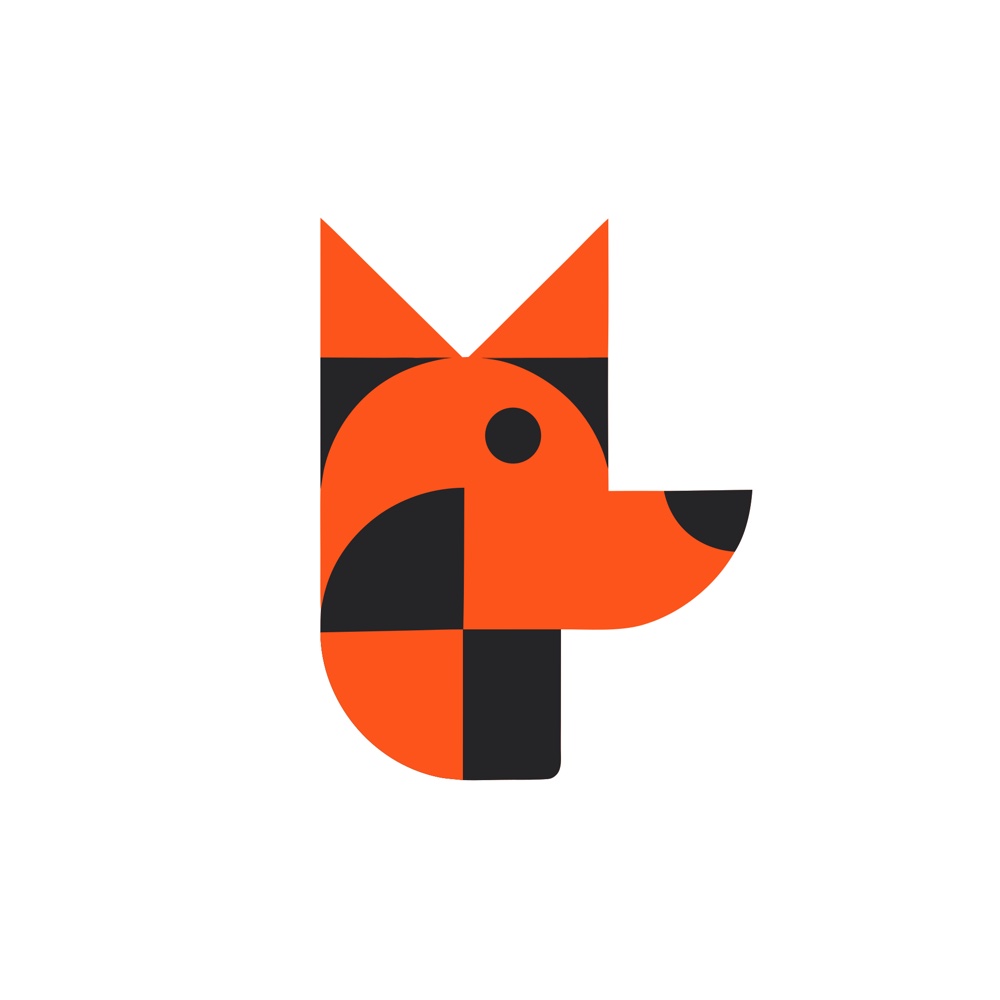
A geometric logo with Recraft V4.1 Vector
1:1. The SVG has 10 paths. It took 13 seconds.
Flat vector logo of a fox head made of geometric shapes, orange and charcoal, clean lines, white background
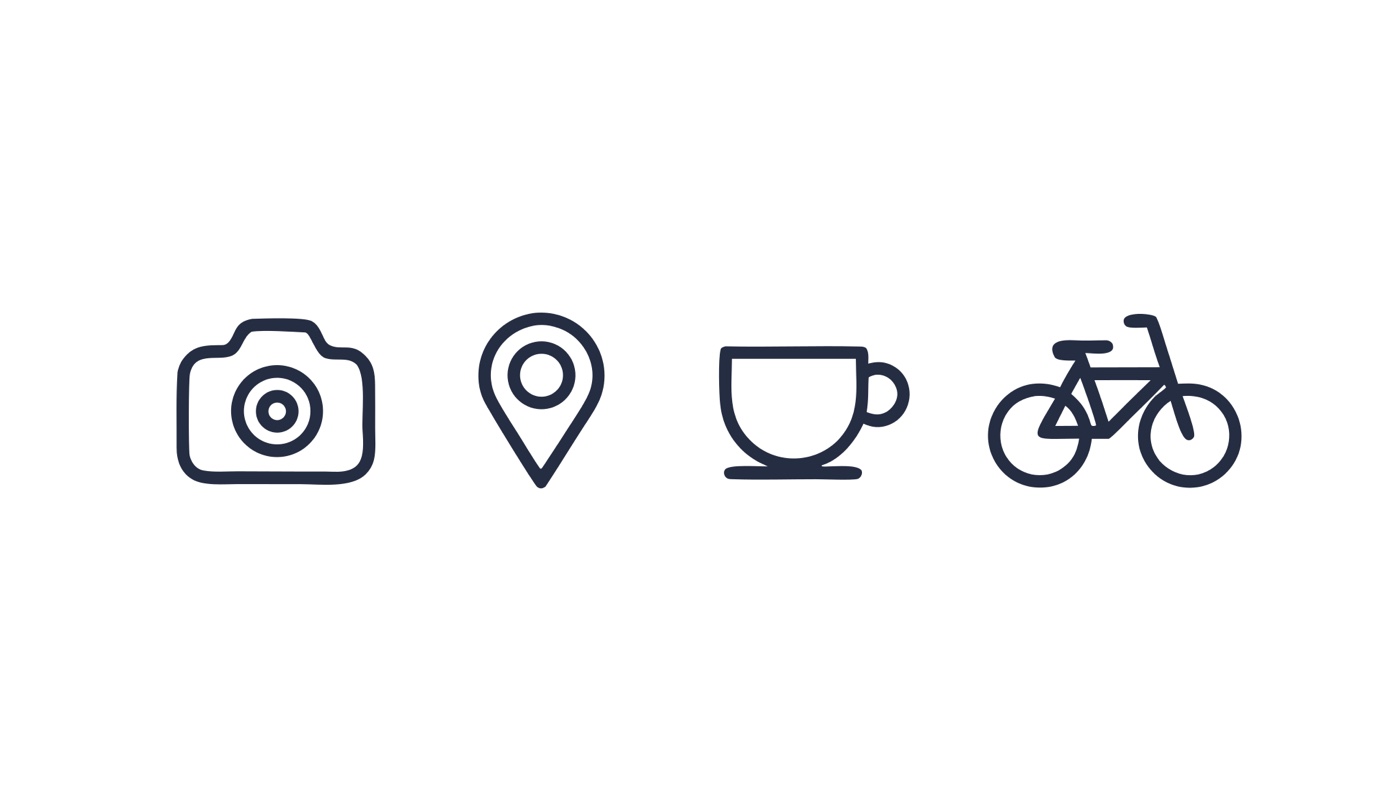
A consistent icon set with Recraft V4.1 Vector
16:9. The SVG has 21 paths. It took 11 seconds.
A set of four flat line icons in a row: a camera, a map pin, a coffee cup and a bicycle, uniform 2px rounded strokes, navy on white, simple and consistent
A detailed illustration with Recraft V4.1 Pro Vector
1:1. The SVG has 63 paths. It took 13 seconds.
Detailed vector illustration of a hot air balloon over rolling hills, limited palette of teal, cream and coral, clean shapes

An emblem with Recraft V4.1 Pro Vector
1:1. The SVG has 132 paths. It took 14 seconds.
A circular emblem logo for a mountain bike club, a rider cresting a ridge with pine trees and a rising sun behind, bold clean shapes, burnt orange, charcoal and cream, flat vector style
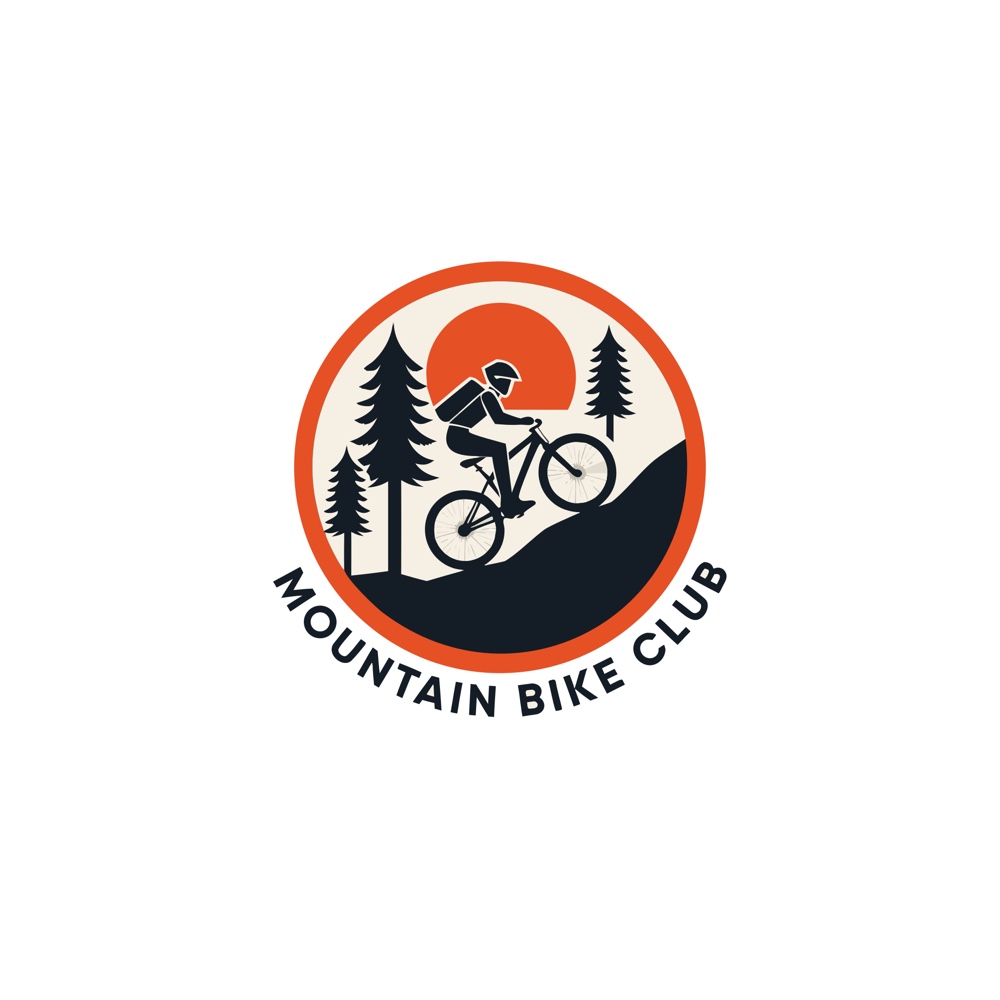
Pro Vector added the words "Mountain Bike Club" around the emblem on its own. If you do not want lettering, say so in the prompt.
How to make an SVG with Recraft V4.1 Vector
- Open the AI Image Generator and pick Recraft V4.1 Vector or Recraft V4.1 Pro Vector.
- Describe the logo, icon or illustration. Name the colours and the style ("flat", "line icons", "emblem") for the most control.
- Choose an aspect ratio, check the credit amount next to the button, and press Generate.
- Download the result as SVG to edit it in your design tool, or as PNG to use it right away.
Recraft V4.1 Vector or Ideogram Vector?
Both make SVGs on Flixly. Recraft V4.1 Vector draws from a prompt with clean, minimal shapes and is quick for logos and icon sets. Ideogram Vector can also convert an existing image into an SVG. For a raster image in Recraft's style, use Recraft V4.1 Flash.
Frequently Asked Questions
What is Recraft V4.1 Vector?▾
Recraft V4.1 Vector is Recraft's text-to-SVG model from its V4.1 family, released May 14, 2026. It draws shapes and paths instead of pixels, so a Recraft V4.1 Vector result stays sharp at any size and can be edited in design tools. On Flixly it comes in Vector and Pro Vector.
What is the difference between Recraft V4.1 Vector and Pro Vector?▾
Recraft V4.1 Vector is the everyday choice for logos, icons and flat graphics. Recraft V4.1 Pro Vector draws finer, more detailed shapes for illustrations, emblems and print. In our examples the Pro Vector SVGs had 63 and 132 paths, against 10 and 21 for Vector.
Does Recraft V4.1 Vector make real SVG files?▾
Yes. Every Recraft V4.1 Vector and Pro Vector result on Flixly downloads as an SVG, plus a PNG preview. All four SVGs in our tests were made of editable paths with no image embedded inside them. Open the SVG in Figma, Illustrator or Inkscape to change colours or shapes.
How long does Recraft V4.1 Vector take?▾
On Flixly, Recraft V4.1 Vector took 11 to 13 seconds per SVG in our tests, and Recraft V4.1 Pro Vector took 13 to 14 seconds. Each request makes one SVG.
Can Recraft V4.1 Vector write text in a logo?▾
Recraft V4.1 Vector and Pro Vector can include short words. In our emblem example, Recraft V4.1 Pro Vector added the words Mountain Bike Club on its own. Put the exact words you want in quotes, or ask for no text.
Do I need a subscription to use Recraft V4.1 Vector on Flixly?▾
No. Recraft V4.1 Vector and Pro Vector run on Flixly credits, which never expire, with no subscription. Flixly shows the credit amount before you generate, and Pro Vector costs more per image than Vector.