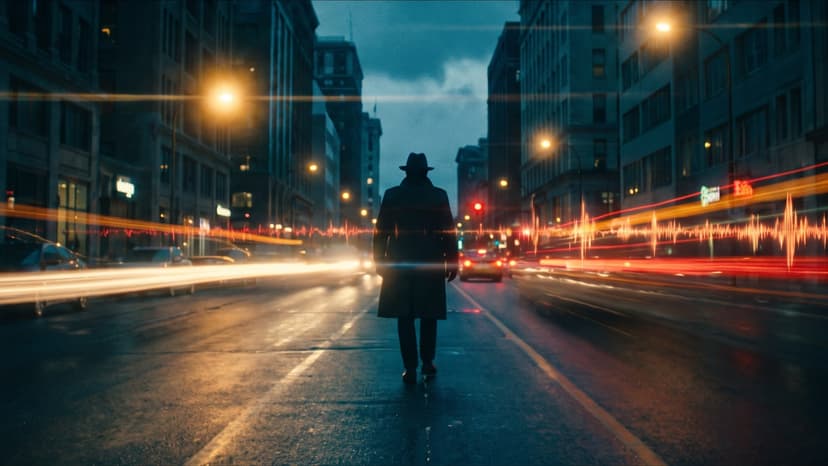
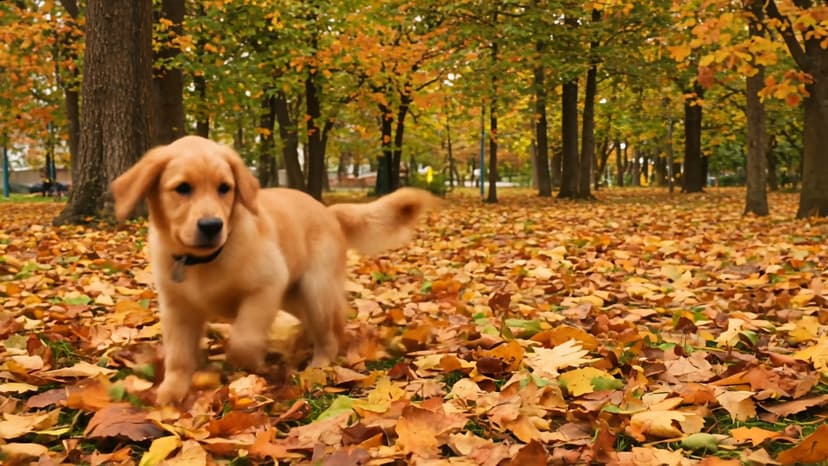
Wan 3.0 on Flixly: Native 30-Second Clips in a Single Pass
Wan 3.0 is Alibaba's newest video model — 30-second clips generated in one pass without stitching, with audio and reality-grade real-world motion, from a prompt, a start frame, or image, video, and audio references. It's live on Flixly.
TL;DR
Wan 3.0 is Alibaba's newest video model. It generates clips of 2 to 30 seconds natively in a single pass — no stitching — at 480p, 720p, or 1080p with audio rendered alongside the picture, and accepts a text prompt, a start frame (with an optional end frame), or up to 10 image, 5 video, and 5 audio references. All three modes are live on Flixly today.
Wan 3.0 is Alibaba's newest video model, and it is live on Flixly in all three modes: text-to-video, image-to-video, and reference-to-video.
What's new in Wan 3.0
- Native 30 seconds in one pass. Previous long clips meant generating segments and stitching them, and fighting continuity between cuts. Wan 3.0 renders up to 30 seconds as a single generation, so motion, lighting, and identity stay coherent from the first frame to the last.
- Reality-grade motion. The model is tuned for real-world physical plausibility — weight, momentum, cloth, water, and camera moves that behave the way footage does.
- Audio in the same pass. Sound is generated with the picture rather than added afterward, at no extra cost. Toggle it off if you're scoring the clip yourself.
- References across media. Reference-to-video takes up to 10 images, 5 video clips, and 5 audio tracks together, and you direct how they're used in the prompt.
Specs
| Property | Value |
|---|---|
| Modes on Flixly | Text-to-Video, Image-to-Video, Reference-to-Video |
| Duration | 2–30 seconds, single pass |
| Resolution | 480p, 720p, or 1080p |
| Aspect ratios | auto, 16:9, 4:3, 1:1, 3:4, 9:16 |
| Audio | generated in the same pass, no extra cost |
| References | up to 10 images, 5 videos (15s combined), 5 audios (15s combined) |
| Prompt length | up to 5,000 characters |
How to use it
- Open the Video Generator in the dashboard and pick the tab you need — Text, Image, or Reference.
- Pick Wan 3.0 from the model selector.
- Set resolution and duration. Draft at 480p and short lengths — it costs half of 720p — then re-run the prompt you like at 720p, or 1080p for the final render, at full length.
- Write the prompt as direction, not description: the subject, the action, the camera move.
- For image-to-video, upload a start frame; add an end frame if you want the shot to land on a specific composition.
What it costs
Wan 3.0 is billed by output length and resolution, and by nothing else: a 30-second clip costs six times a 5-second one, 1080p costs double 720p, and audio and references add nothing. That last part is worth noting if you're used to models that bill reference video seconds on top of the output — here a 15-second motion reference driving a 10-second clip is billed on 10 seconds. The credit estimate on the page always reflects the exact settings you've chosen before you generate.
Wan 3.0 Prime
Alibaba also ships a premium tier, Wan 3.0 Prime, now live on Flixly in Text to Video, Image to Video, and Reference to Video. It takes the same inputs and settings as the base model — 2–30 seconds, 480p/720p/1080p, audio in the same pass, the same reference limits — and is tuned for cinematic motion and stronger visual continuity from a start frame, with faster turnaround than the base model. It costs 1.4× the base model at every resolution, and like the base model, references add nothing to the price.
Try it
Wan 3.0 is live in Text to Video, Image to Video, and Reference to Video.
Frequently Asked Questions
What is Wan 3.0?▾
Wan 3.0 is Alibaba's latest video generation model. Its headline change is length without stitching: a single generation runs up to 30 seconds in one pass, so there are no seams or continuity drift between segments, and its rendering focuses on realistic, physically plausible motion.
How long can a Wan 3.0 video be?▾
Anywhere from 2 to 30 seconds, set in one-second steps. Longer clips cost proportionally more because the model is billed by output length, so start short while you iterate on the prompt and extend once the shot is right.
What resolutions and aspect ratios does it support?▾
480p, 720p, or 1080p, in 16:9, 4:3, 1:1, 3:4, or 9:16 — or leave the aspect ratio on auto and the model matches your input. 480p costs half of 720p, which makes it the sensible tier for drafts; 1080p costs double 720p and is the tier for final renders.
Does Wan 3.0 generate sound?▾
Yes. Audio is generated together with the video in the same pass, so timing lines up without a separate step, and it adds nothing to the cost. You can switch it off with the Generate audio toggle.
What can I use as a reference?▾
In Reference to Video you can supply up to 10 images, 5 video clips (15 seconds combined), and 5 audio tracks (15 seconds combined). Images anchor a character or product, video carries motion or style, audio drives rhythm and voice. Unlike some models, references don't change what you're billed — you pay for output seconds only.
Where can I try it on Flixly?▾
Wan 3.0 is live in Text to Video, Image to Video, and Reference to Video on the Flixly dashboard. Pick it from the model selector, set your resolution and duration, and generate.