
Flixly Upscale: Sharpen or Enlarge Any Image 1x to 8x, up to 8K
Flixly Upscale is a new AI image upscaler on Flixly: clean up an image at 1x or enlarge it 2x, 4x or 8x, up to 8192 by 8192 pixels, with detail rebuilt and readable text kept as written. See five real first results with their settings and times, including where very small print breaks.
TL;DR
Flixly Upscale is on Flixly's Image Upscaler page. Choose 1x to remove compression and noise at the same size, or 2x, 4x or 8x to enlarge up to 67 megapixels (8192 by 8192). Width and height are multiplied exactly, the file format follows yours, and readable lettering stays spelled as written. Print only a few pixels tall in a small source can come out misspelled, so upload the largest version you have.
Flixly Upscale is a new AI image upscaler on Flixly that sharpens a picture at its original size or enlarges it 2x, 4x or 8x, up to 8192 × 8192 pixels, while keeping readable text as written. Upload one image, pick a scale factor, and get the same picture back with restored detail rather than stretched pixels. Below are five real first results made on Flixly, each with its settings and time, including the one case where very small print did not survive.
What is Flixly Upscale?
Flixly Upscale is an image upscaler on Flixly's Image Upscaler page, next to the Topaz Labs and SeedVR2 engines. It does two jobs:
- Enlarge an image 2x, 4x or 8x. Width and height are multiplied exactly, so the shape never changes and nothing is cropped. A 1024 × 1024 picture becomes 8192 × 8192 at 8x.
- Enhance at the same size with 1x. The picture keeps its dimensions but loses compression blocks, noise and blur.
Detail is rebuilt, not interpolated: edges, wood grain, stone and fabric come back with texture. Lettering gets its own fidelity pass, so headlines, signs and labels stay spelled the way they were, as long as the letters can be read in the image you upload. The section on where it falls short, further down, shows what happens when they can't.
What can you set in Flixly Upscale?
| Setting | Options |
|---|---|
| Scale factor | 1x (enhance at the same size), 2x (the default), 4x or 8x |
| Input | One JPG, PNG, WebP or GIF (first frame), at least 300 × 300 pixels and up to 20 MB |
| Output size | Exactly the input × the factor, up to 67 megapixels (8192 × 8192) and 16,384 pixels on a side |
| Output format | Follows your file: JPG stays JPG, WebP stays WebP, everything else comes back as PNG |
Flixly shows the price under the Upscale button before you start; it depends on the size of the result. If a factor would push the result past 67 megapixels, the page tells you the size it would have been and asks for a smaller factor before anything is charged.
How to upscale an image with Flixly Upscale
- Open the Image Upscaler and choose Flixly Upscale under Model.
- Upload your image.
- Pick a scale factor: 1x to clean up an image without resizing it, 2x for social and web use, 4x for print, 8x for large-format print or heavy cropping.
- Click Upscale image and download the result.
Real examples
Each example below is a real Flixly Upscale request made on Flixly, and each is the first result, unedited. The source pictures were generated on Flixly and then made deliberately worse, shrunk or saved as low-quality JPEGs, to stand in for the thumbnails, screenshots and compressed files people actually need to upscale. Times run from clicking Upscale image to the finished result on screen.
In each comparison, the first panel is the uploaded image enlarged the ordinary way, and the second is the same area from Flixly Upscale.
A 512-pixel product thumbnail, upscaled 4x
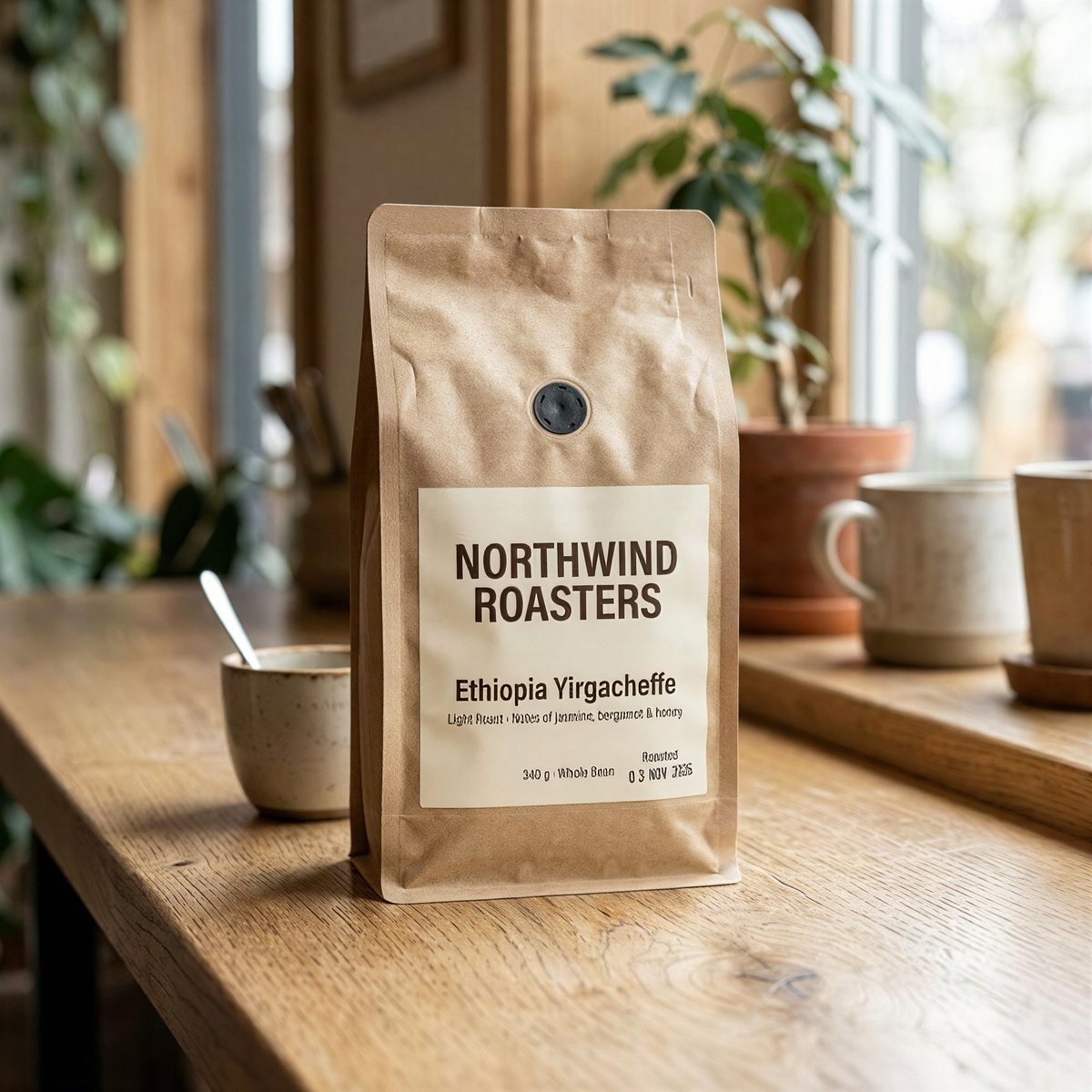
A coffee-bag product shot, shrunk to 512 × 512 and saved as a JPEG at quality 75, like a marketplace thumbnail. Scale factor 4x gave a 2048 × 2048 JPEG. It took 15 seconds.
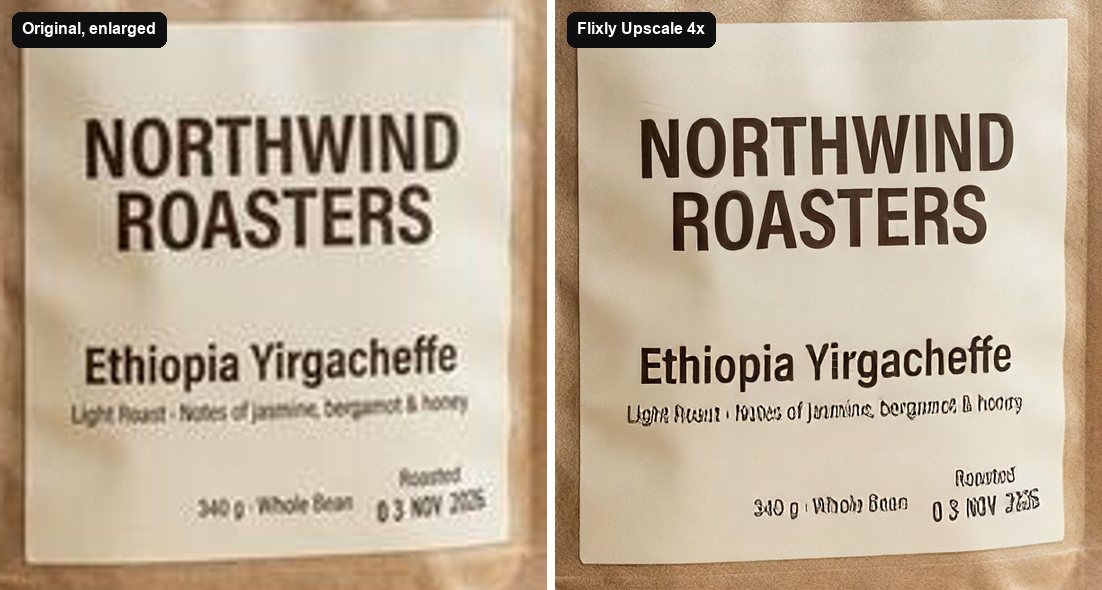
The brand name, "NORTHWIND ROASTERS", and "Ethiopia Yirgacheffe" came back crisp and letter-perfect, and the kraft paper regained its texture. The smallest line did not: "Light Roast · Notes of jasmine, bergamot & honey" and the roast date were only a few pixels tall in the 512-pixel source, and they came out misspelled. More on that below.
A small street photo with shop signs, upscaled 4x
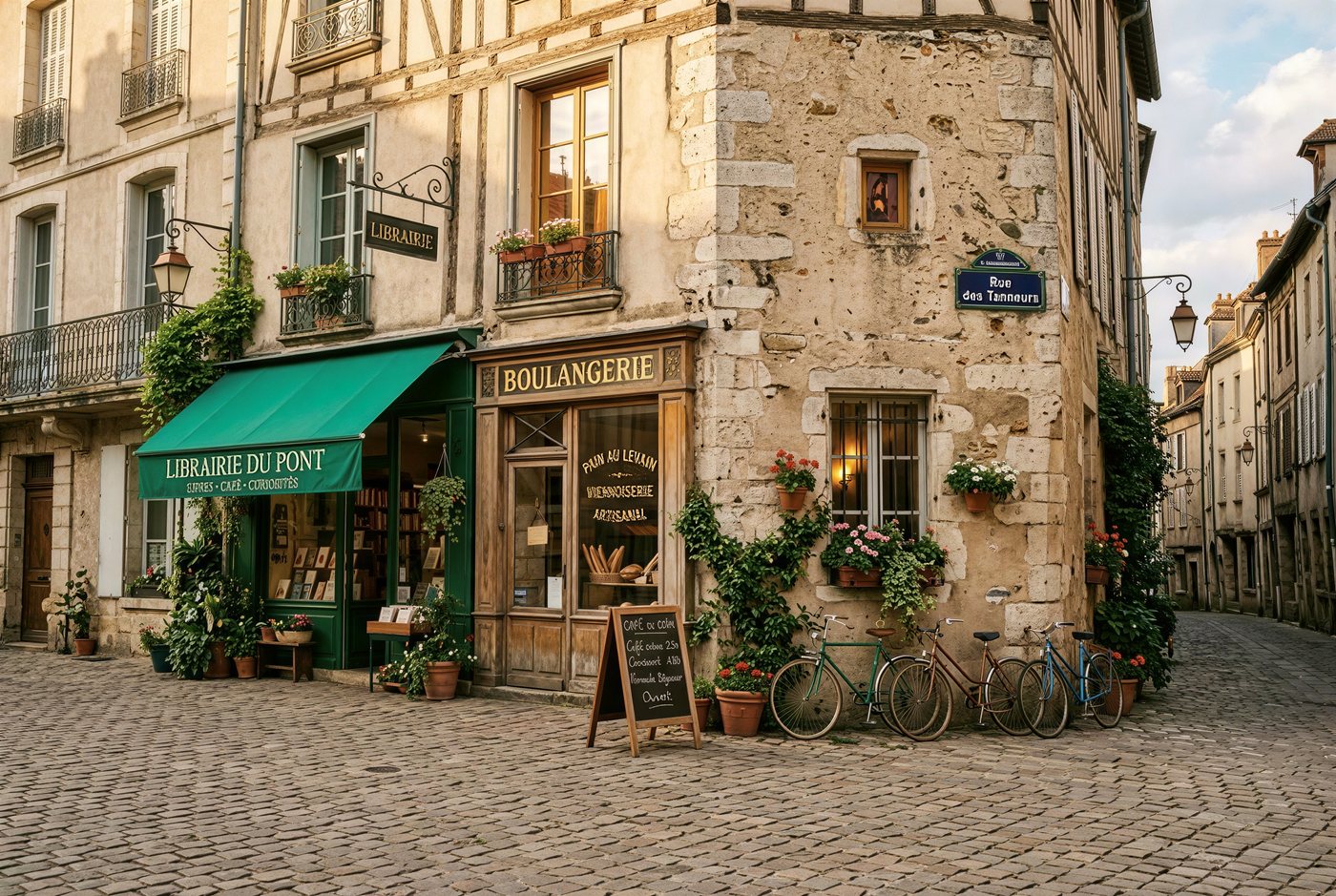
An old-town street corner at 632 × 424 pixels, saved as a JPEG at quality 80. Scale factor 4x gave a 2528 × 1696 JPEG. It took 15 seconds.
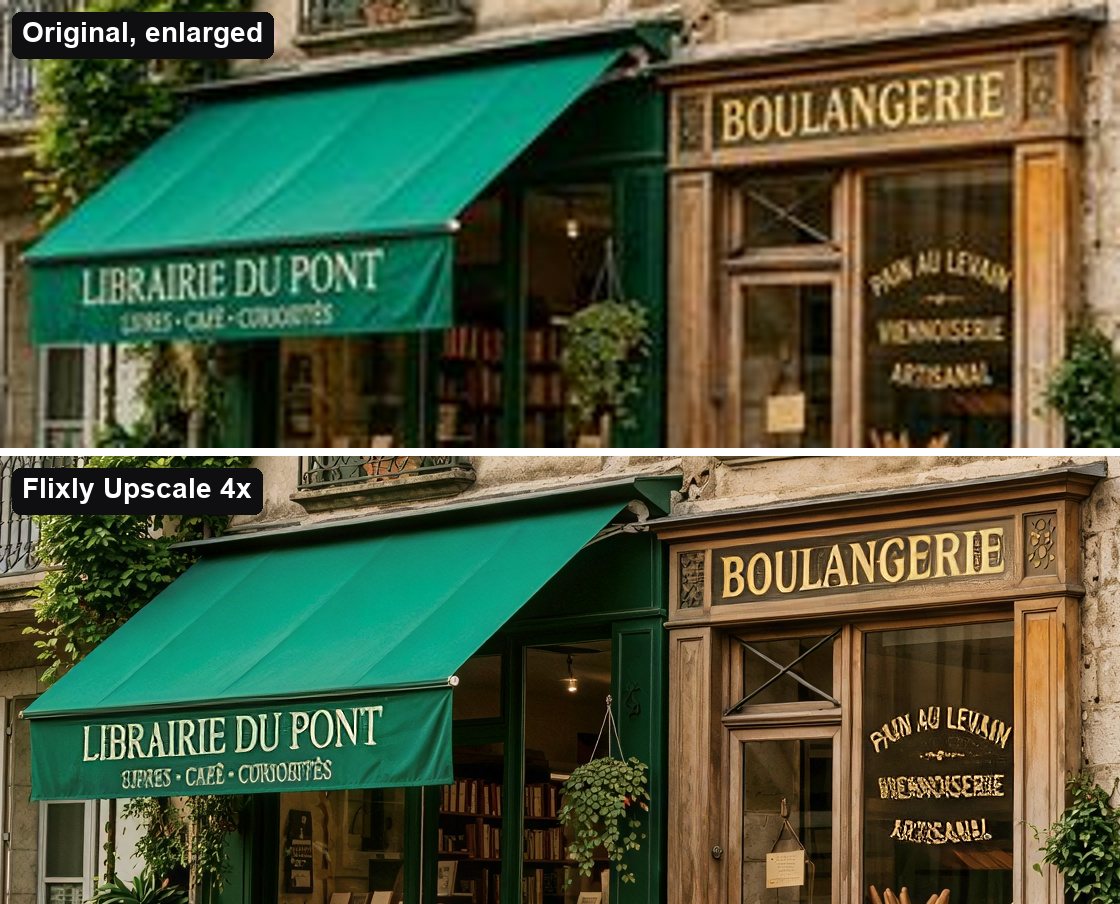
"LIBRAIRIE DU PONT" on the awning and the gold "BOULANGERIE" sign are exact and sharp, and the stonework, window frames and plants now have real texture. The small gold lettering painted on the bakery window was already a blur in the source, and Flixly Upscale turned it into confident but misspelled words.
A compressed event flyer, upscaled 2x
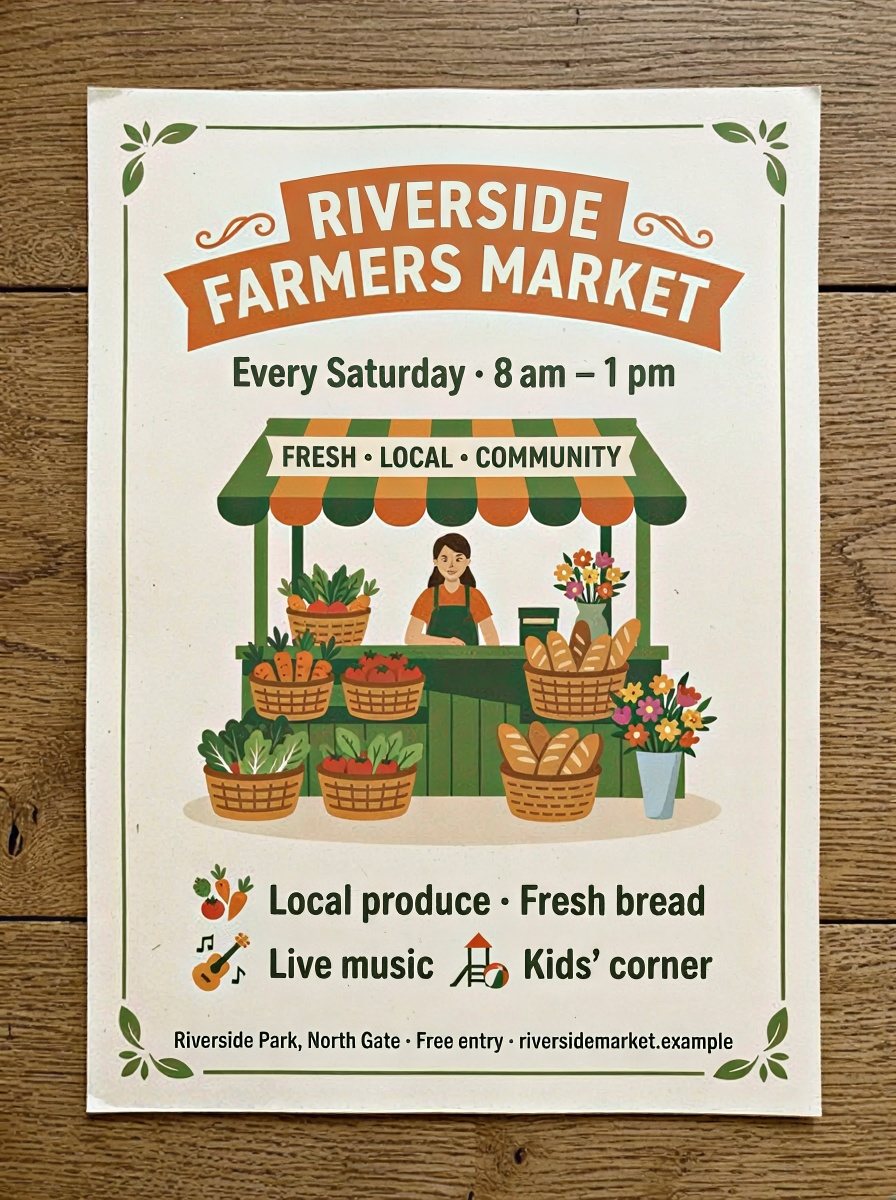
A farmers market flyer at 448 × 600 pixels, saved as a JPEG at quality 80. Scale factor 2x gave an 896 × 1200 JPEG. It took 11 seconds.
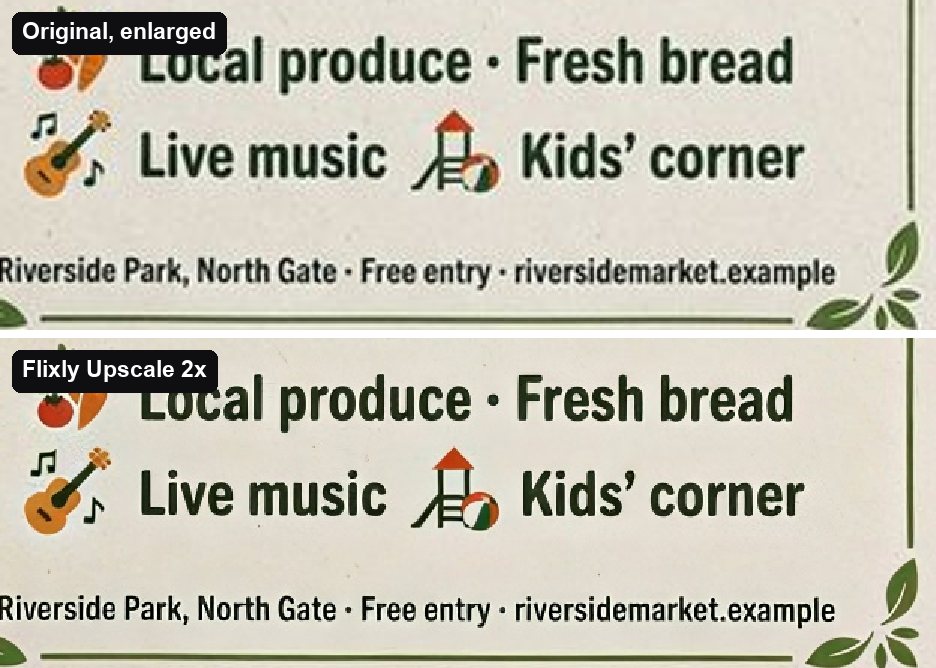
Every line came through exactly as printed, including the small footer, "Riverside Park, North Gate · Free entry · riversidemarket.example". The JPEG noise around the letters is gone. Flat graphics with clear type are where Flixly Upscale is at its most reliable.
Cleaning up a crushed JPEG at 1x
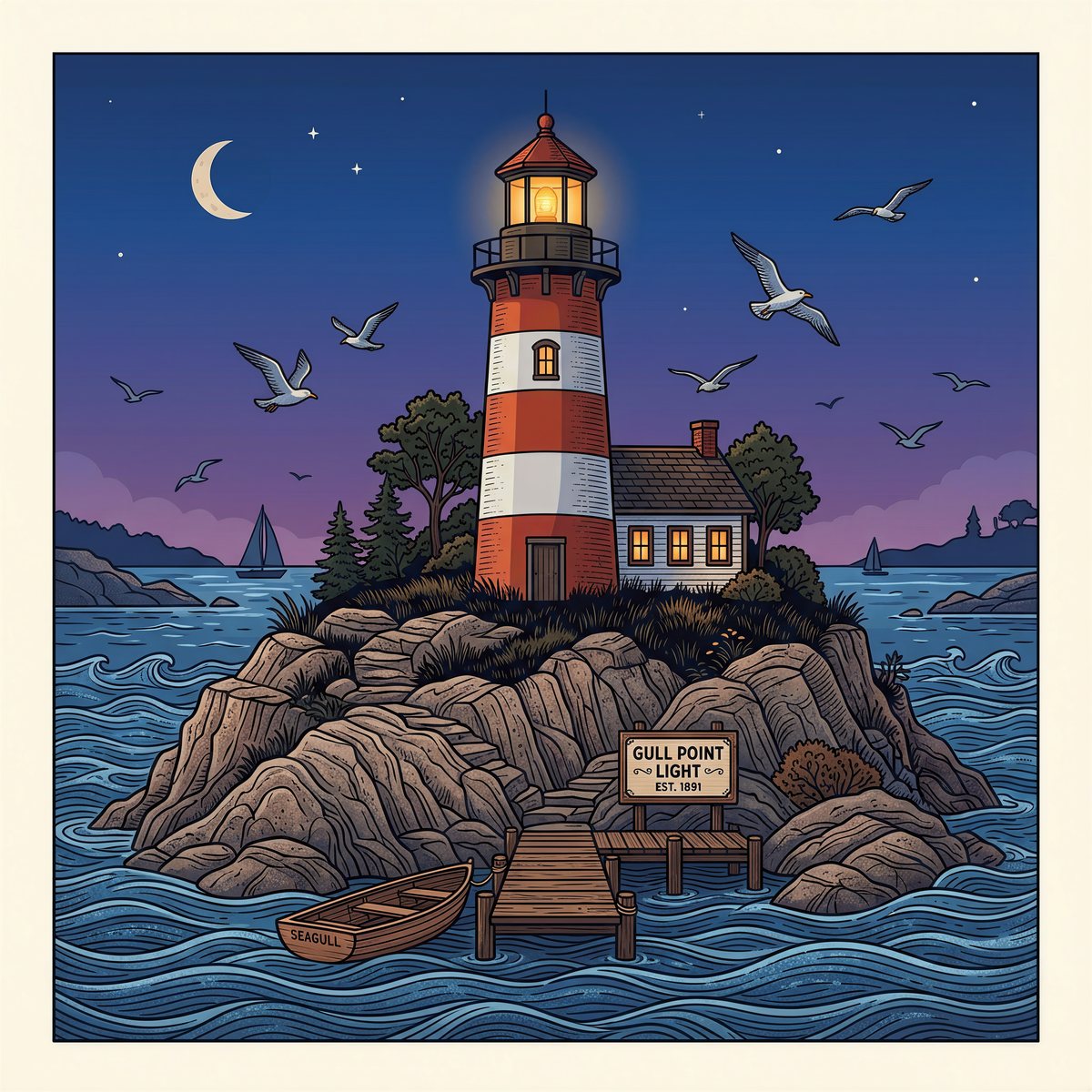
A 1024 × 1024 lighthouse illustration saved as a JPEG at quality 20, so it is full of compression blocks. Scale factor 1x gave a 1024 × 1024 JPEG, the same size. It took 9 seconds.
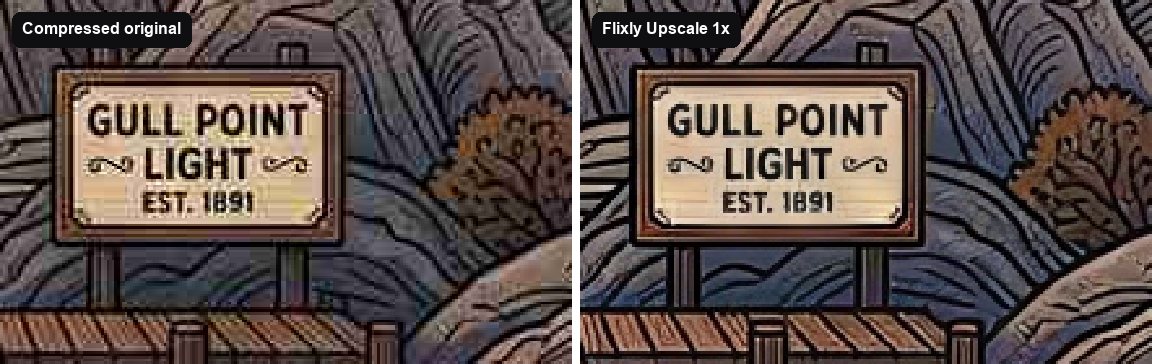
The blocks, colour smears and ringing around the black outlines are gone, and the sign still reads "GULL POINT LIGHT · EST. 1891". Use 1x when an image is the right size but looks bad, for example a screenshot of a screenshot or a heavily compressed upload.
From 1024 pixels to 8K at 8x
The same lighthouse illustration as a clean 1024 × 1024 PNG. Scale factor 8x gave an 8192 × 8192 PNG, 67 megapixels and about 71 MB. It took 51 seconds.
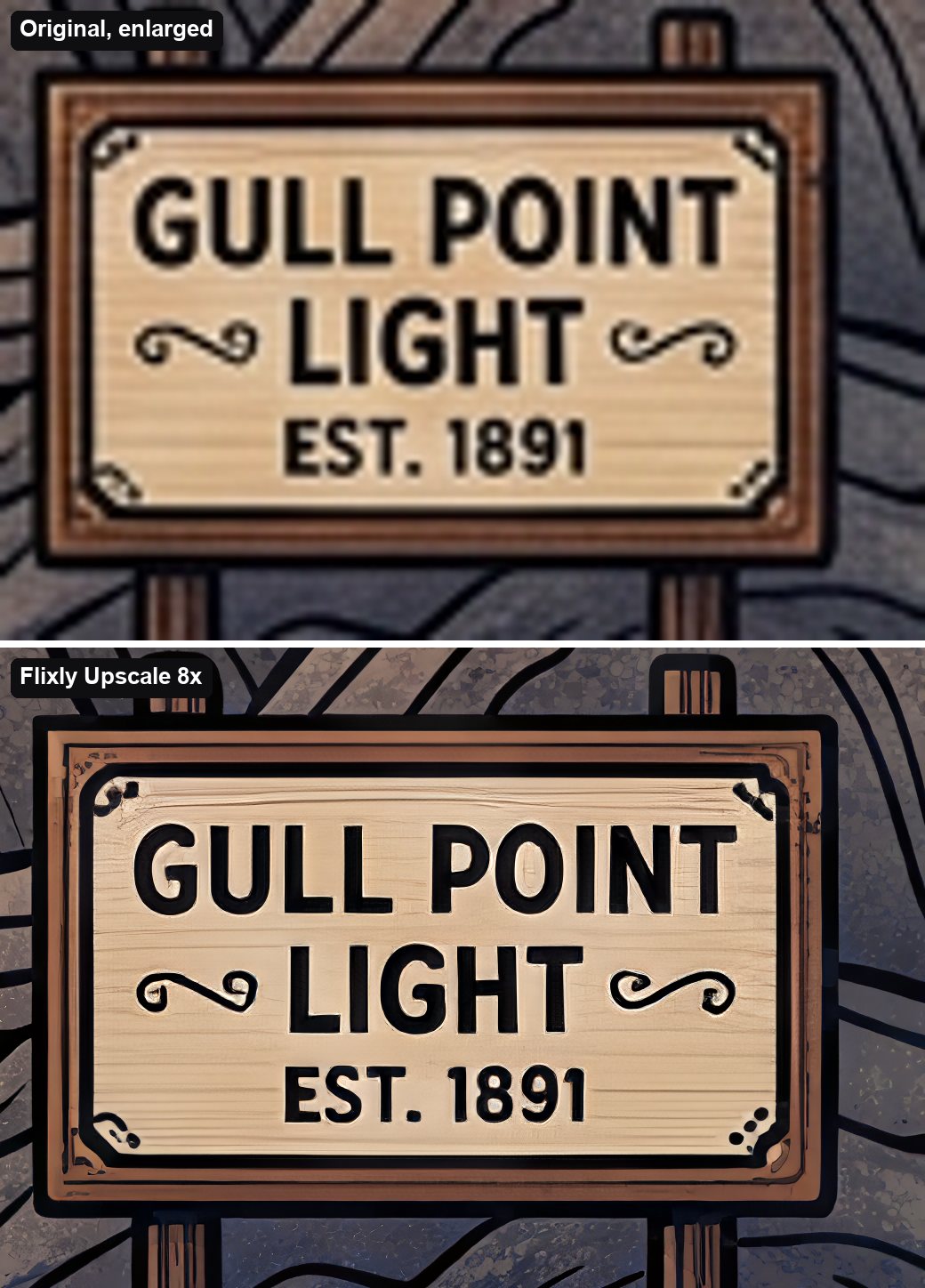
At full 8K size, the sign's lettering is still exact, and the plain wood and rock picked up grain and speckle that the 1024-pixel original never had. That is the point of a generative upscaler for large prints: an ordinary 8x enlargement only makes the blur bigger.
Where does Flixly Upscale fall short?
Flixly Upscale keeps text as written when the letters are legible in the image you upload. It cannot recover letters that are not there. In the coffee and street examples, print that was only a few pixels tall and already blurred in the small source came out as sharp, plausible and wrong words, which is worse than a blur on a product label or a menu.
| Example | Readable text | Very small print |
|---|---|---|
| Coffee thumbnail, 512 px, 4x | Exact | Misspelled |
| Street photo, 632 px, 4x | Exact | Misspelled |
| Event flyer, 448 px, 2x | Exact | Exact |
| Crushed JPEG, 1024 px, 1x | Exact | — |
| Illustration, 1024 px, 8x | Exact | — |
To get the most out of it:
- Upload the biggest version you have. The more pixels the letters have to start with, the safer they are.
- Prefer a smaller factor on small photos with fine print, and check the small print before you publish.
- Use 1x first if an image is the right size but compressed or noisy.
How does Flixly Upscale compare with the other upscalers on Flixly?
| Engine | Scale factors | Best for |
|---|---|---|
| Flixly Upscale | 1x, 2x, 4x, 8x | Graphics, products and signage with readable text; 8K output; same-size clean-up |
| Topaz Precision | 2x, 4x | Faithful enlargement of real photographs |
| Topaz Wonder | 2x, 4x | Recovering detail in damaged or low-quality photos |
| Topaz Bloom Creative | 2x, 4x | Bold, reinvented detail on AI-generated images |
| SeedVR2 | 2x, 4x | Quick, low-cost everyday enlargements |
All five are on the same Image Upscaler page, so you can run one image through several engines and keep the best. For video, use the Video Upscaler.
Frequently Asked Questions
What is Flixly Upscale?▾
Flixly Upscale is an AI image upscaler on Flixly's Image Upscaler page. It enlarges an image 2x, 4x or 8x, or enhances it at the same size with 1x, rebuilding detail such as edges and texture instead of stretching pixels, and it runs a separate fidelity pass on lettering so readable text keeps its spelling.
How large can Flixly Upscale make an image?▾
Flixly Upscale outputs up to 67 megapixels, which is 8192 by 8192 pixels for a square image, and up to 16,384 pixels on the longer side. Width and height are multiplied exactly by the factor, so a 1024 by 1024 image becomes 8192 by 8192 at 8x. If a factor would go past the limit, Flixly tells you before anything is charged.
Does Flixly Upscale keep text readable?▾
Yes, when the text is legible in the image you upload. In our tests, Flixly Upscale kept headlines, shop signs, labels and even a small flyer footer exactly as written at 1x, 2x, 4x and 8x. Print only a few pixels tall in a small, blurry source can come out sharp but misspelled, so upload the largest version you have and check fine print.
What does the 1x setting in Flixly Upscale do?▾
At 1x, Flixly Upscale keeps the image at the same width and height and only improves it: it removes JPEG compression blocks, noise and blur. In our test it cleaned up a lighthouse illustration saved as a quality-20 JPEG in 9 seconds, and its sign text stayed crisp and unchanged.
Which file formats does Flixly Upscale accept and return?▾
Flixly Upscale accepts a JPG, PNG, WebP or GIF (it uses the first frame), at least 300 by 300 pixels and up to 20 MB. The result follows your file: a JPG comes back as a JPG and a WebP as a WebP, and everything else comes back as a PNG.
How is Flixly Upscale different from the Topaz and SeedVR2 upscalers on Flixly?▾
Flixly Upscale is the only engine on Flixly's Image Upscaler page that offers 1x same-size enhancement and 8x enlargement, and it is built to keep readable text as written, which suits graphics, product shots and signage. Topaz Precision, Wonder and Bloom Creative and SeedVR2 offer 2x and 4x, with Topaz Precision best for faithful photo enlargement.