Nano Banana 2.1 on Flixly: Google's Fastest Gemini Image Model
Nano Banana 2.1, Google's newest Gemini image model, is live on Flixly. Create images from text or edit photos with up to 14 reference images, from 0.5K to 4K, with accurate text and about 12 seconds per image in our tests.
TL;DR
Nano Banana 2.1 is Google's newest Gemini image model and it is live on Flixly. It creates images from a prompt and edits or combines photos with up to 14 reference images, at 0.5K, 1K, 2K or 4K. In our tests a 1K image took about 12 seconds, text in images was spelled correctly, and edits changed only what we asked for.
Nano Banana 2.1 is Google's newest Gemini image model, and it is now on Flixly. It creates images from a text prompt or edits a photo you upload, with up to 14 reference images, at 0.5K, 1K, 2K or 4K. In our tests it was also the fastest model we tried: about 12 seconds for a 1K image. Open the Image Generator with Nano Banana 2.1 to try it.
See Nano Banana 2.1 in action
Every image below was made on Flixly with Nano Banana 2.1, using the prompt and settings shown under it. Apart from web compression, nothing was retouched.
Text that comes out right

Text-to-image, 3:4, 2K:
A vintage Art Deco travel poster for Lisbon. Bold headline lettering at the top that reads "LISBOA", a smaller line below that reads "CITY OF SEVEN HILLS". A yellow tram climbs a steep cobbled street, terracotta rooftops and the river at sunset behind it. Flat screen-printed colors, subtle paper grain, clean typography.
Both lines of text are spelled exactly as asked, and the layout reads like a real printed poster.
Photorealism and detail

Text-to-image, 1:1, 1K:
A cozy Tokyo street-corner coffee shop at night in the rain, glowing neon sign that reads "FLIXLY CAFE", a barista in the window pouring latte art, warm light, reflections on wet pavement, a cyclist with a clear umbrella passing by, cinematic 35mm photo

Text-to-image, 1:1, 1K:
Close-up portrait of an elderly fisherman with a weathered, deeply lined face and a knitted navy wool cap, golden hour light on a misty harbor behind him, visible skin texture and grey stubble, kind eyes, shot on 85mm, shallow depth of field, photorealistic
Wide shots in 2K

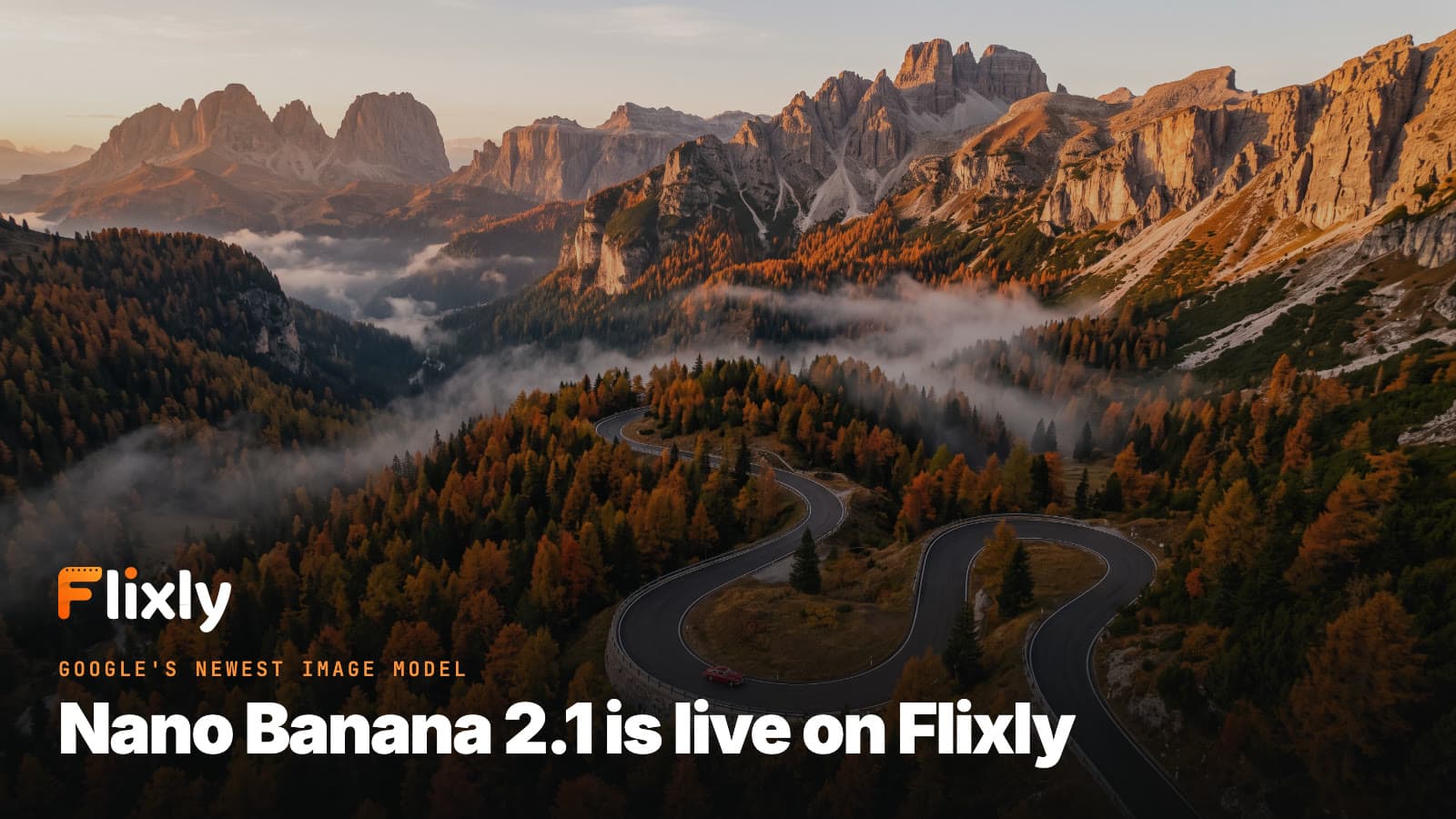
Text-to-image, 16:9, 2K:
Aerial photograph of a winding mountain road snaking through autumn forests in the Dolomites at golden hour, jagged limestone peaks catching the last light, a single red vintage car on the road, mist in the valleys, ultra-detailed landscape photography
Precise edits
Nano Banana 2.1 can also edit an image you upload. Here we took the perfume shot on the left and asked for a new color, a new label and a new plant. Everything else stayed where it was: the bottle shape, the marble pedestal, the light and the camera angle.

Image-to-image, one source image:
Change the perfume to a deep emerald green liquid and change the label text to "VERT No.9 - MILANO" in the same gold serif style. Replace the white orchid with a sprig of fresh eucalyptus. Keep the bottle shape, the marble pedestal, the lighting and the camera angle exactly the same.
The same subject across images
Give Nano Banana 2.1 several reference images and it combines them. Below, the fisherman portrait and the coffee shop are the two references. The result puts the same man, with the same face, cap and jacket, inside that café.

Image-to-image, two reference images:
The fisherman from the first image sits at the window counter inside the coffee shop from the second image, holding a cup of latte with latte art and smiling, rain on the window behind him, the "FLIXLY CAFE" neon sign glowing outside. Keep his face, cap and clothes exactly the same. Warm cinematic 35mm photo.
What is Nano Banana 2.1?
Nano Banana 2.1 is the newest model in Google's Nano Banana family of Gemini image models, joining Nano Banana, Nano Banana Pro and Nano Banana 2 on Flixly. On Flixly one model covers both jobs: it creates images from text, and it edits or combines images you upload.
What stood out in our tests:
- Speed. Our 1K images took 11 to 12 seconds from start to finish. The same prompts took 46 to 76 seconds on Nano Banana 2.
- Text in images. Signs, labels and poster headlines came out spelled exactly as written in the prompt.
- Edits that stay put. Changes landed where we asked and the rest of the picture stayed the same.
- Consistent subjects. A face from one reference image carried over into a new scene.
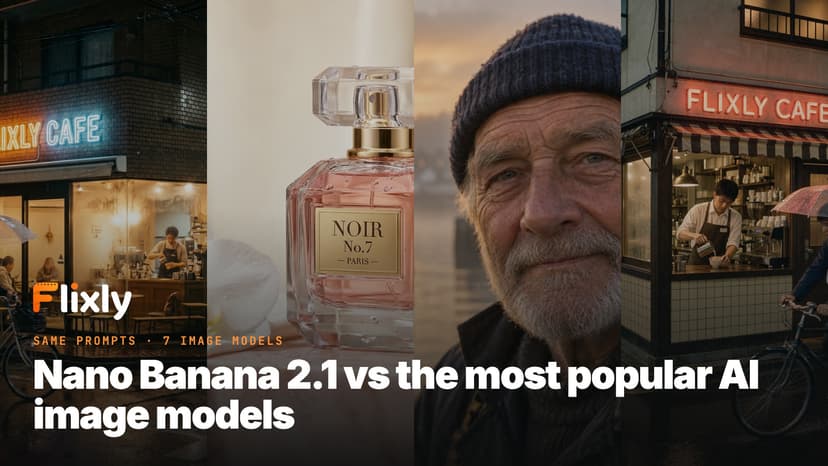
Want to see how it stacks up? Read Nano Banana 2.1 vs the most popular AI image models, where we ran the same prompts through seven models.
Nano Banana 2.1 at a glance
| Spec | Nano Banana 2.1 on Flixly |
|---|---|
| Creator | |
| Modes | Text-to-image and image-to-image (edit and combine) |
| Reference images | Up to 14 per edit |
| Resolution | 0.5K, 1K, 2K or 4K |
| Aspect ratio | 1:1, 16:9, 9:16, 4:3, 3:4, 3:2 and 2:3 from text; more options, including Auto, when editing |
| Output format | PNG, JPEG or WebP |
| Typical speed | About 12 seconds for a 1K image in our tests |
| Where to use | Image Generator |
| Model page | Nano Banana 2.1 |
How to create an image with Nano Banana 2.1
- Open the Image Generator and pick Nano Banana 2.1.
- Keep Text to image selected.
- Describe the image: the subject, the setting, the light, the style, and any words that should appear, in quotes.
- Pick an aspect ratio and a resolution. 1K is the quickest; 2K and 4K add detail for print and large screens.
- Check the estimate and generate.
How to edit a photo with Nano Banana 2.1
- In the Image Generator, pick Nano Banana 2.1 and switch to Image to image.
- Upload the image you want to change. It is always the first image.
- To combine pictures, add more reference images, up to 14 in total.
- Say what should change, and also what must stay the same, such as "keep the face, the pose and the lighting".
- Generate, then run another edit on the result if you want to keep going.
Tips for better results
- Put text in quotes. Write the exact words you want, like a sign that reads "OPEN LATE", and say where they go.
- Describe the shot, not just the subject. Lens, light and mood ("85mm, golden hour, shallow depth of field") make a big difference.
- Name what to keep when editing. Nano Banana 2.1 follows "keep the bottle shape and camera angle exactly the same" closely.
- Refer to references by order. "The man from the first image in the room from the second image" is clearer than describing both again.
- Start at 1K. Find the image you like quickly, then make the final at 2K or 4K.
How much does Nano Banana 2.1 cost?
The price depends on the resolution: 0.5K is the cheapest and 4K the most expensive, and editing costs the same as creating. Flixly shows the estimate before you generate.
Frequently Asked Questions
What is Nano Banana 2.1?▾
Nano Banana 2.1 is Google's newest Gemini image model. On Flixly it creates images from a text prompt and edits or combines images you upload, at resolutions from 0.5K to 4K.
Is Nano Banana 2.1 faster than Nano Banana 2?▾
Yes, by a wide margin in our tests. Our 1K images from Nano Banana 2.1 took 11 to 12 seconds on Flixly, while the same prompts took 46 to 76 seconds on Nano Banana 2.
Can Nano Banana 2.1 edit my photos?▾
Yes. Choose Image to image in the Image Generator, upload your photo and describe the change. You can also add more reference images, up to 14 in total, to combine people, products and places in one image.
Can Nano Banana 2.1 put text in images?▾
Yes. Write the exact words in quotes in your prompt and say where they go. In our tests signs, labels and poster headlines came out spelled exactly as written.
What resolutions and formats does Nano Banana 2.1 support?▾
Nano Banana 2.1 renders at 0.5K, 1K, 2K or 4K and saves as PNG, JPEG or WebP. From text you can pick 1:1, 16:9, 9:16, 4:3, 3:4, 3:2 or 2:3, and editing adds more ratios, including Auto.
How much does Nano Banana 2.1 cost on Flixly?▾
The price depends on the resolution, from 0.5K as the cheapest to 4K as the most expensive, and editing costs the same as creating. Flixly shows the estimate before you generate.